Drive Medical
Drive Spitfire Scout 3, 4, & DST4, 20Ah Battery Pack | SC31051 | SC31050
Drive Spitfire Scout 3, 4, & DST4, 20Ah Battery Pack | SC31051 | SC31050
In stock
Couldn't load pickup availability
- Free ground shipping when you order before 2:00 PM EST (M-F)(Contiguous US Only)
- 30 Day Return Policy
- Fulfillment: Usually ships in 1-2 business days
- This Product Is Backed By A 90-day Limited Warranty Against Manufacturing Defects
Product Description
This is the 20Ah Standard Capacity Battery Pack for the Drive Spitfire Scout: 3 (SFSCOUT3 / SFSCOUTDLX3), Scout: 4 (SFSCOUT4 / SFSCOUTDLX3) and the DST 4-Wheel (SFDST4). This battery box comes with all the neccessary electrical components needed for battery installation and can be bought without batteries or with our upgraded 22 Ah batteries installed. These are an upgrade to the original 20 Ah Batteries that came with these packs originally.
- Manufacturer:
- Drive/DeVilbiss Healthcare, Inc
- Drive Medical Part Numbers:
- SC31051 / SC31050
Scooter Compatibilty
- Drive Spitfire Scout 3:
- Model SFSCOUT3
- Drive Spitfire Scout 4:
- Model SFSCOUT4
- Drive Spitfire Scout Deluxe 3:
- Model SFSCOUTDLX3
- Drive Spitfire Scout Deluxe 4:
- Model SFSCOUTDLX4
- Drive SpitFire DST 4-Wheel:
- Model SFDST4
NOTE: It is possible that you could have the Smaller Drive Medical 12Ah Battery Box/Pack : Part Numbers SC31006 / SC31007. As it is possible for either of the variations listed above to have come with either the 12Ah or 20Ah Battery Packs. If the pack in this listing doesn't look like your battery pack then that is probably the battery pack you are looking for.
Battery Box Variations
- No Batteries: Battery Box & electrical components only
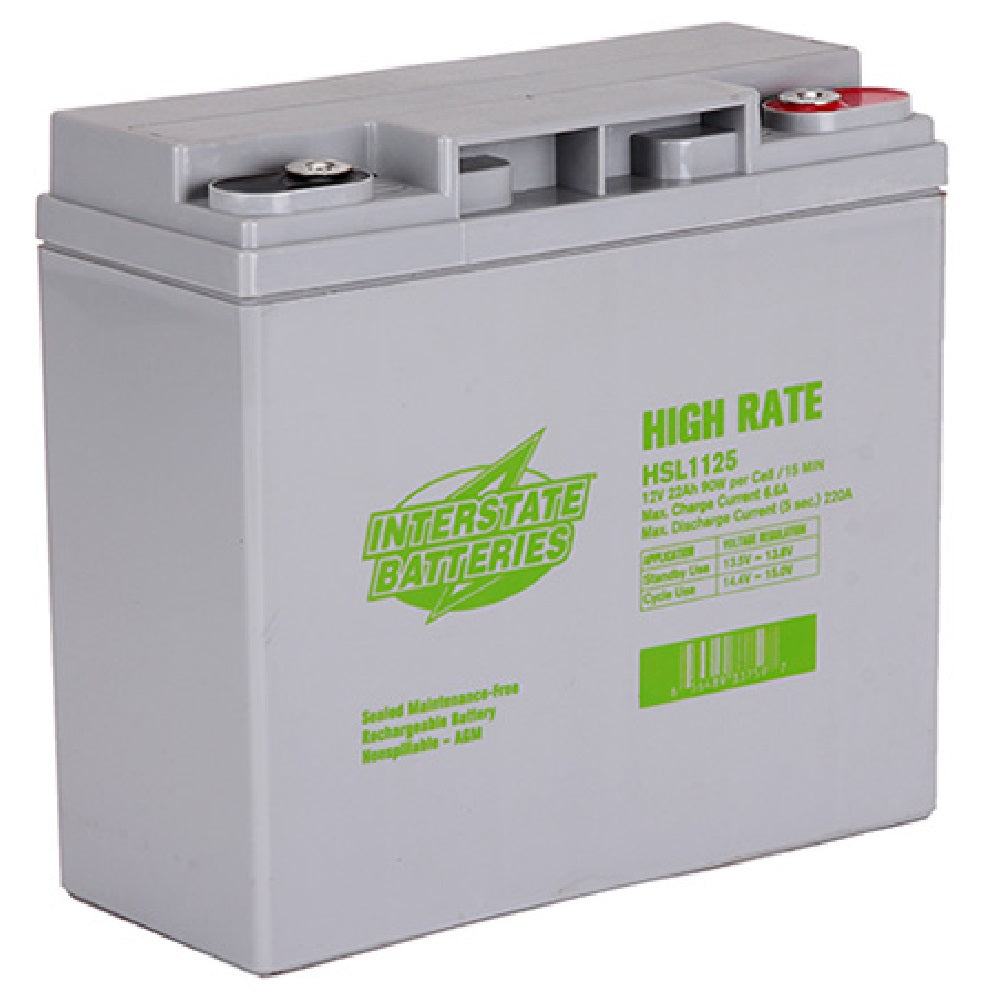
- 22Ah 12V Batteries: Comes with Two Interstate HSL1125, 12 Volt, 22 Amp, High Rate Batteries Installed
Our Interstate Batteries replace/upgrade the original OEM Drive Medical: LRM412123 SLA / AGM spill proof Batteries.