




Golden Technologies
Golden AutoDrive 3.0 Hand Control ZKAD-6 | MaxiComfort Remote
Golden AutoDrive 3.0 Hand Control ZKAD-6 | MaxiComfort Remote
52 in stock
Couldn't load pickup availability
- Free 2-day shipping when you order before 2:00 PM EST (M-F)(Contiguous US Only)
- Need it tomorrow? Select overnight shipping at checkout before 2:00 PM EST (M-F)(Contiguous 48 states).
- 30 Day Return Policy
- Fulfillment: In stock – ships same day when ordered by 2 PM ET (Mon–Fri, except holidays)
- This Product Is Backed By A 90-day Limited Warranty Against Manufacturing Defects
Product Description
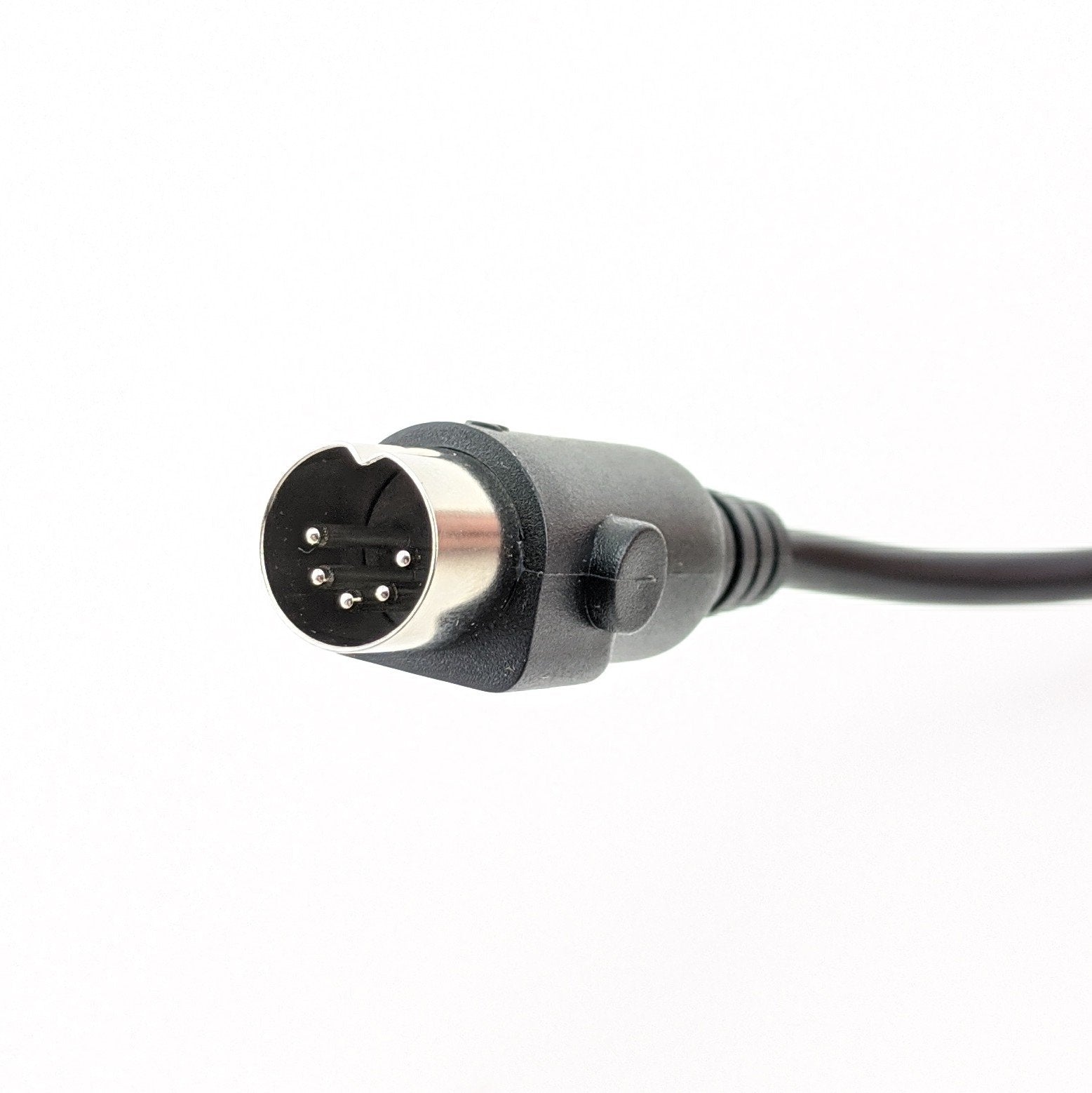
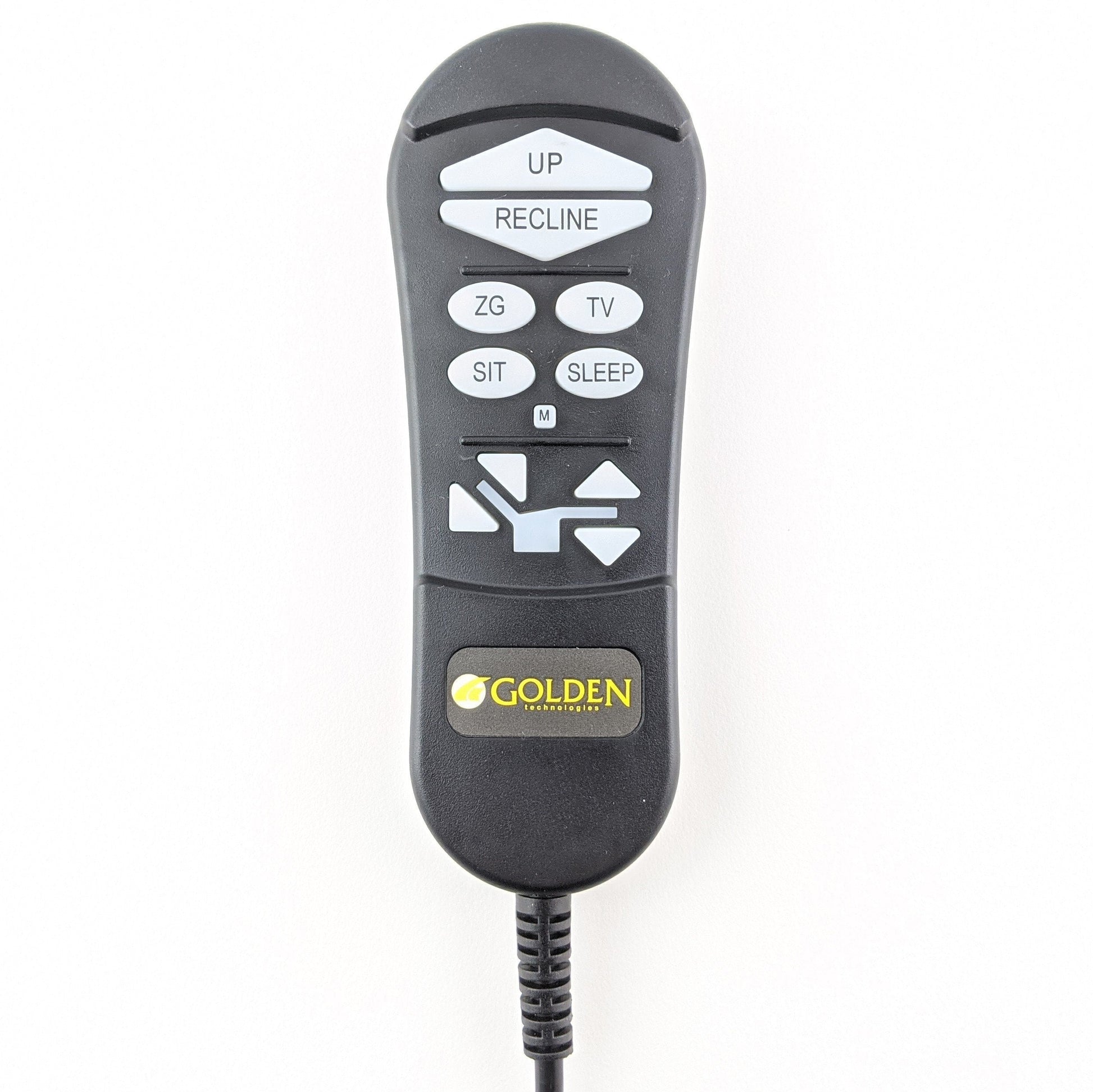
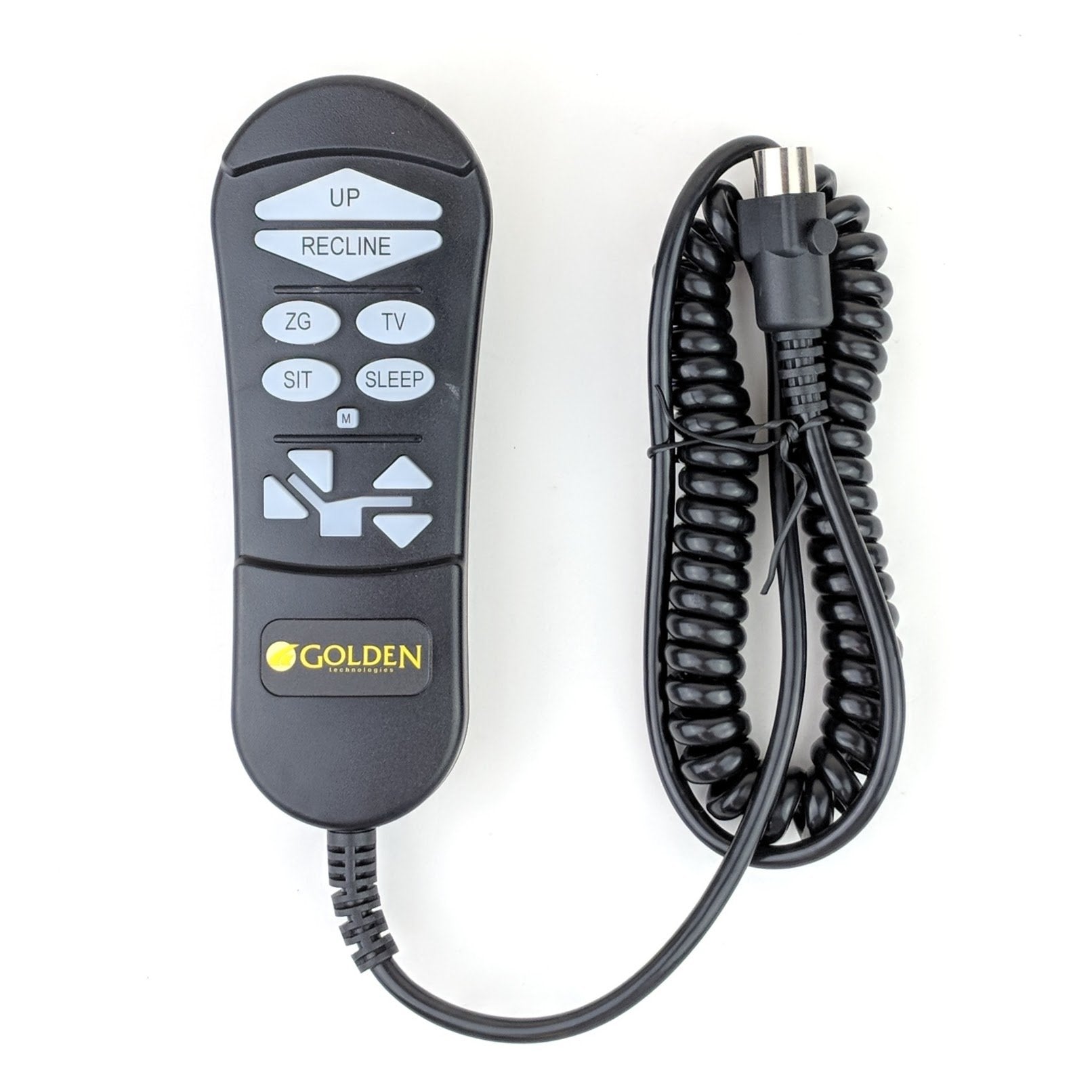
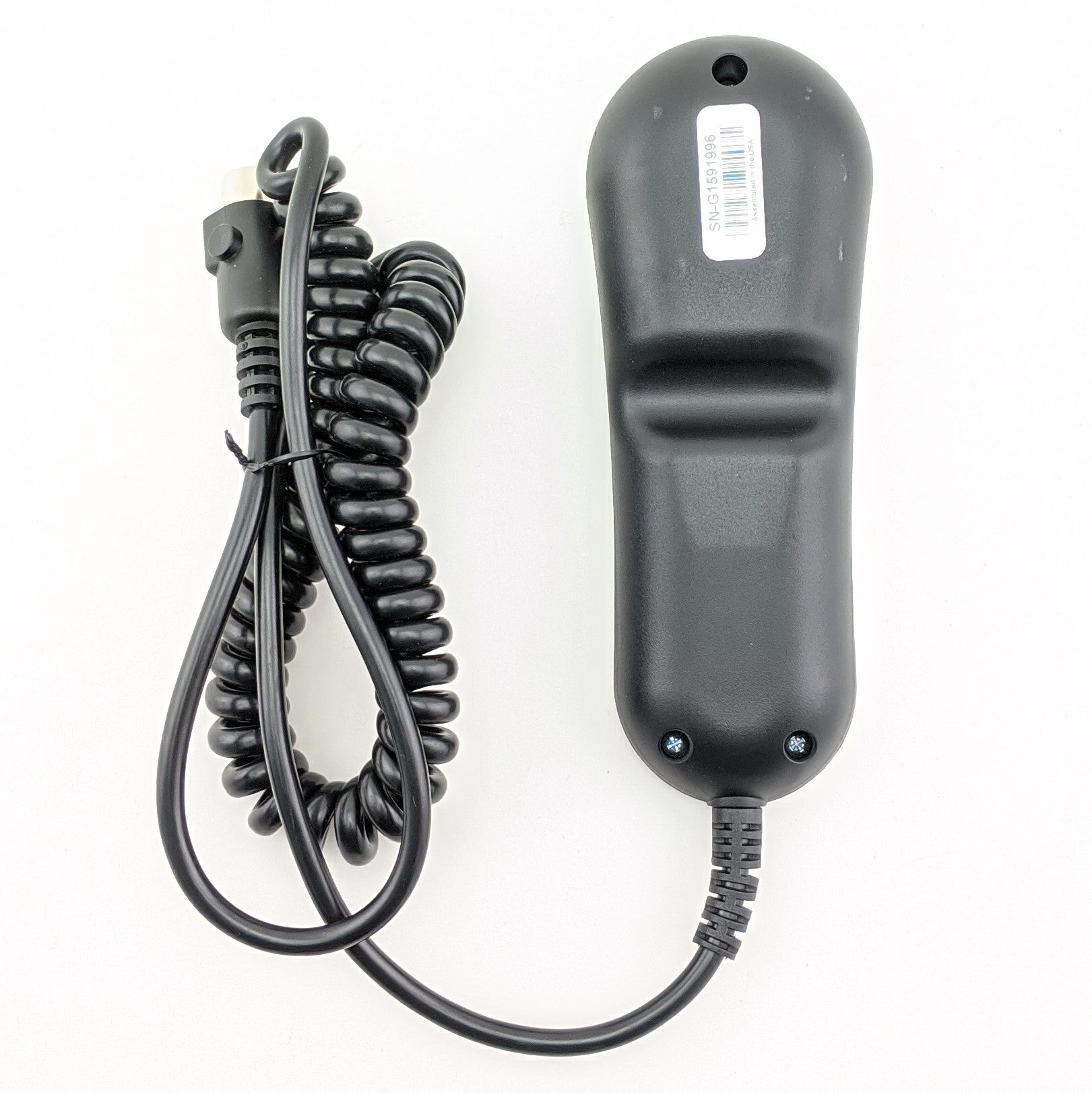
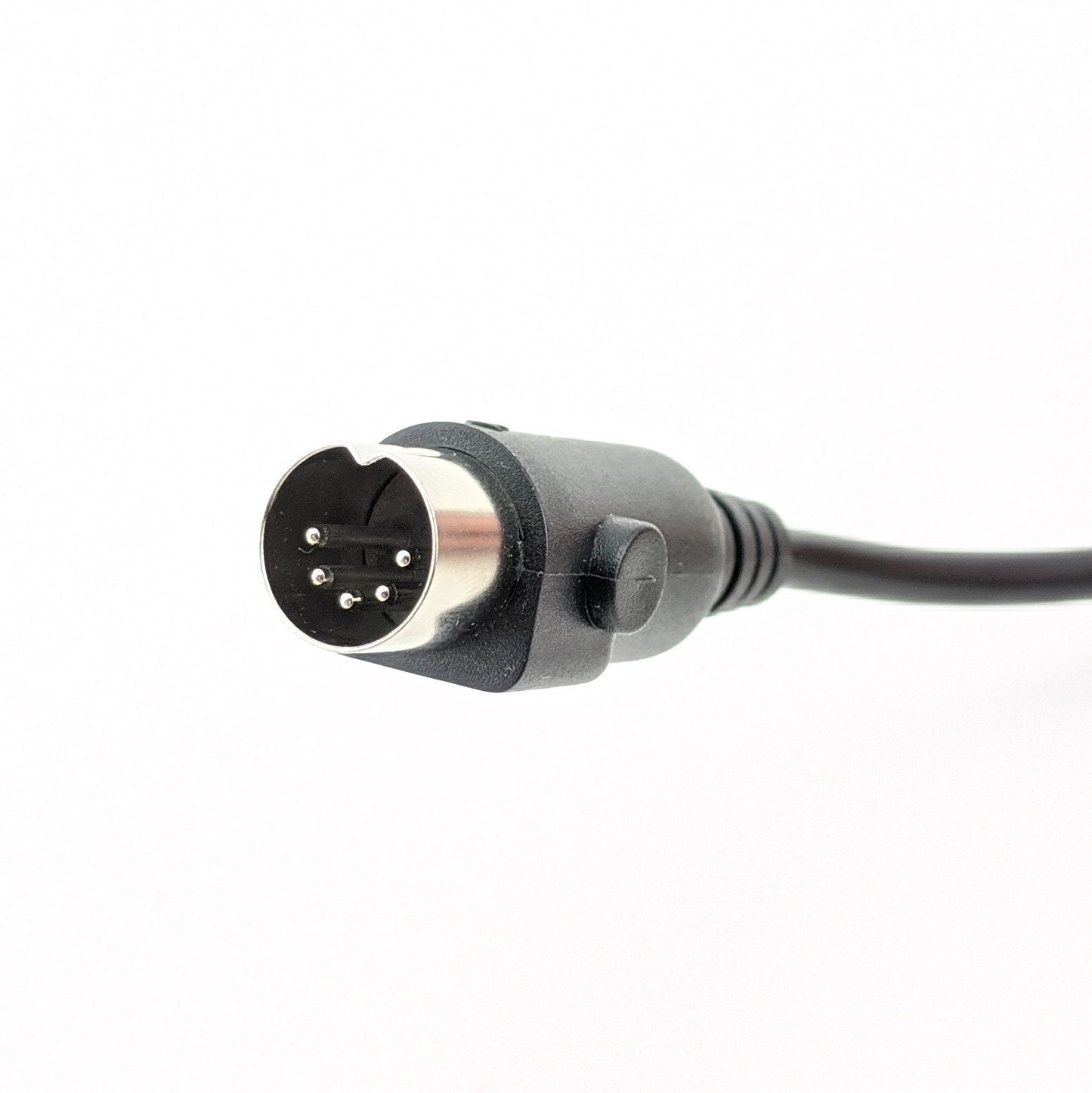
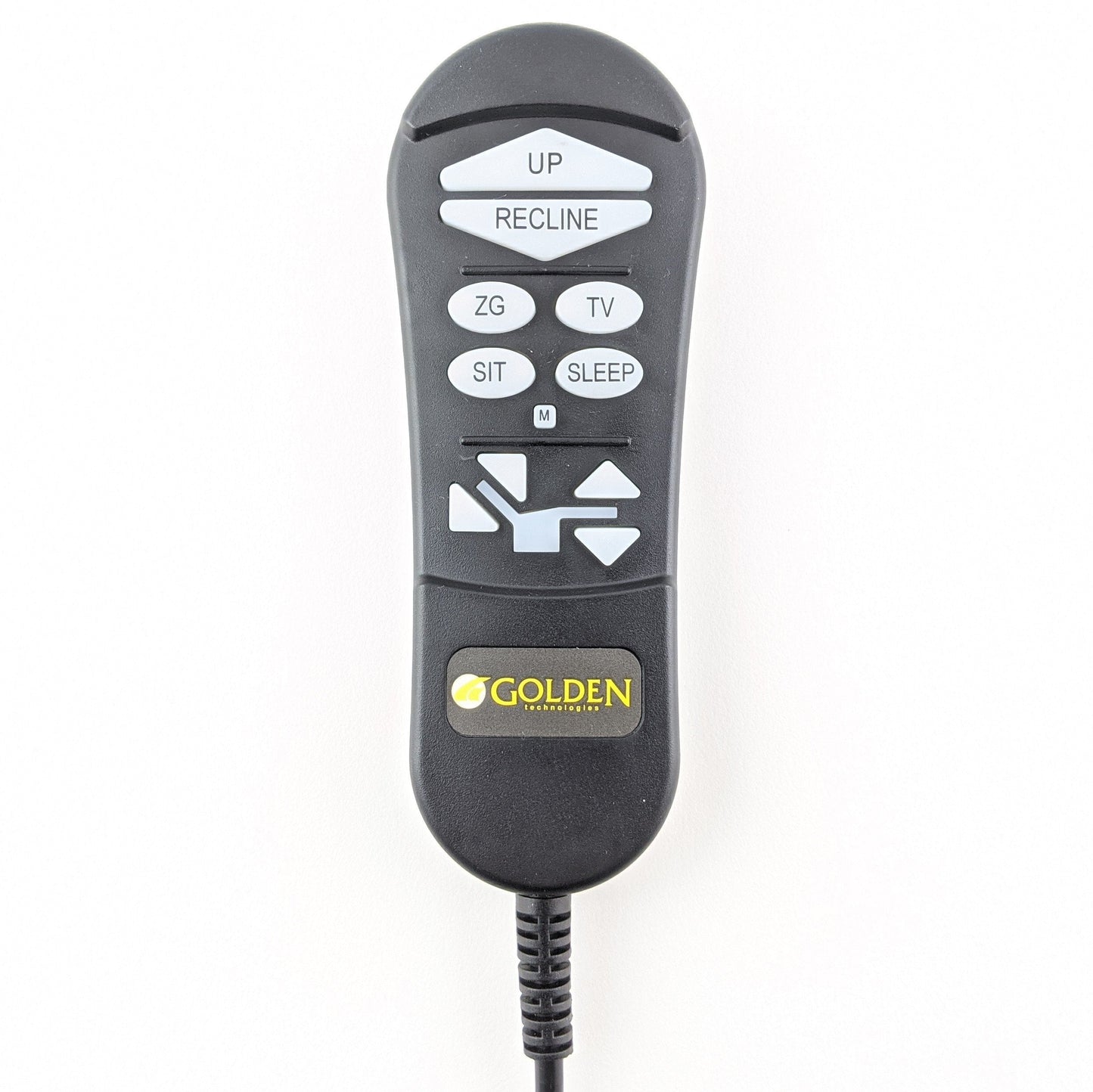
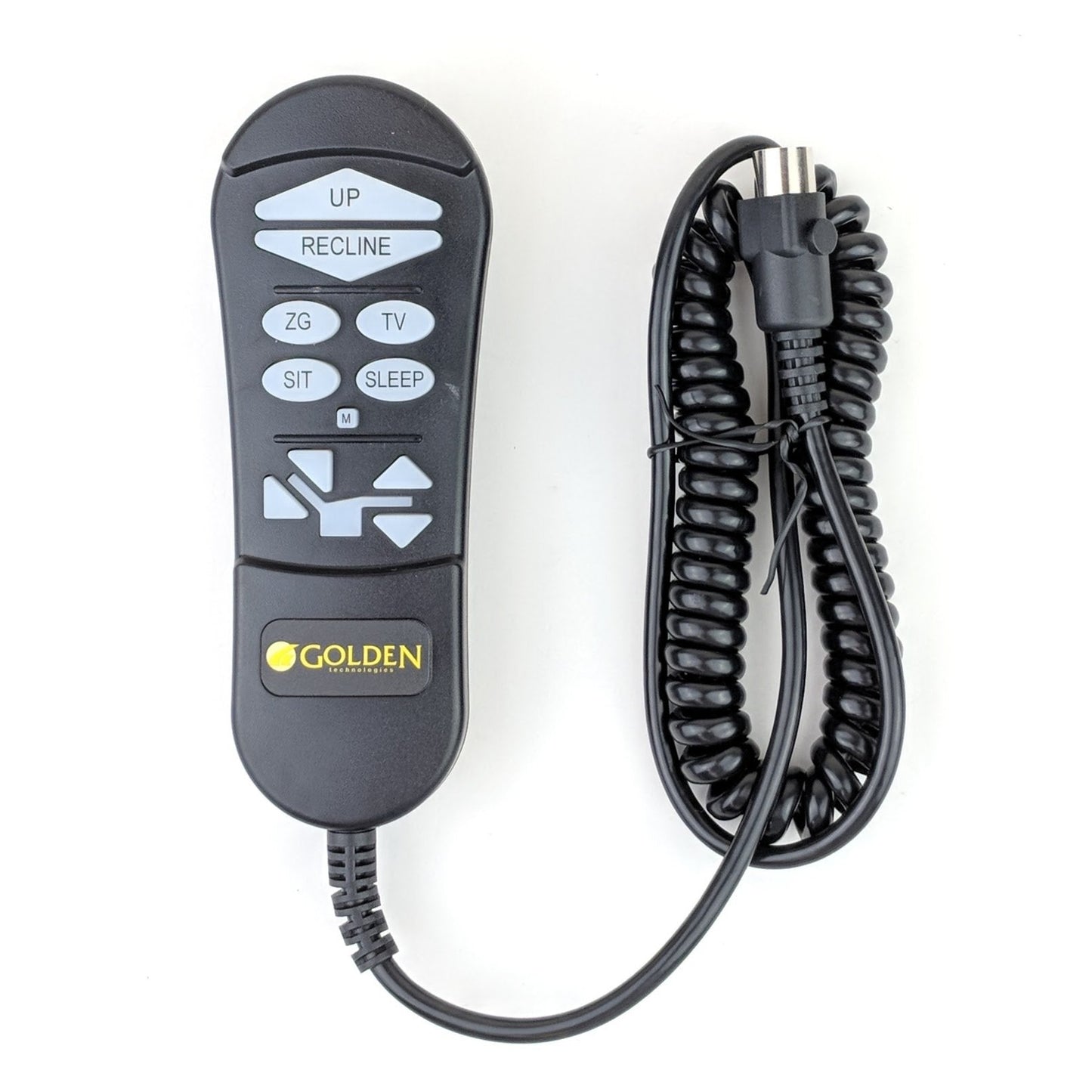
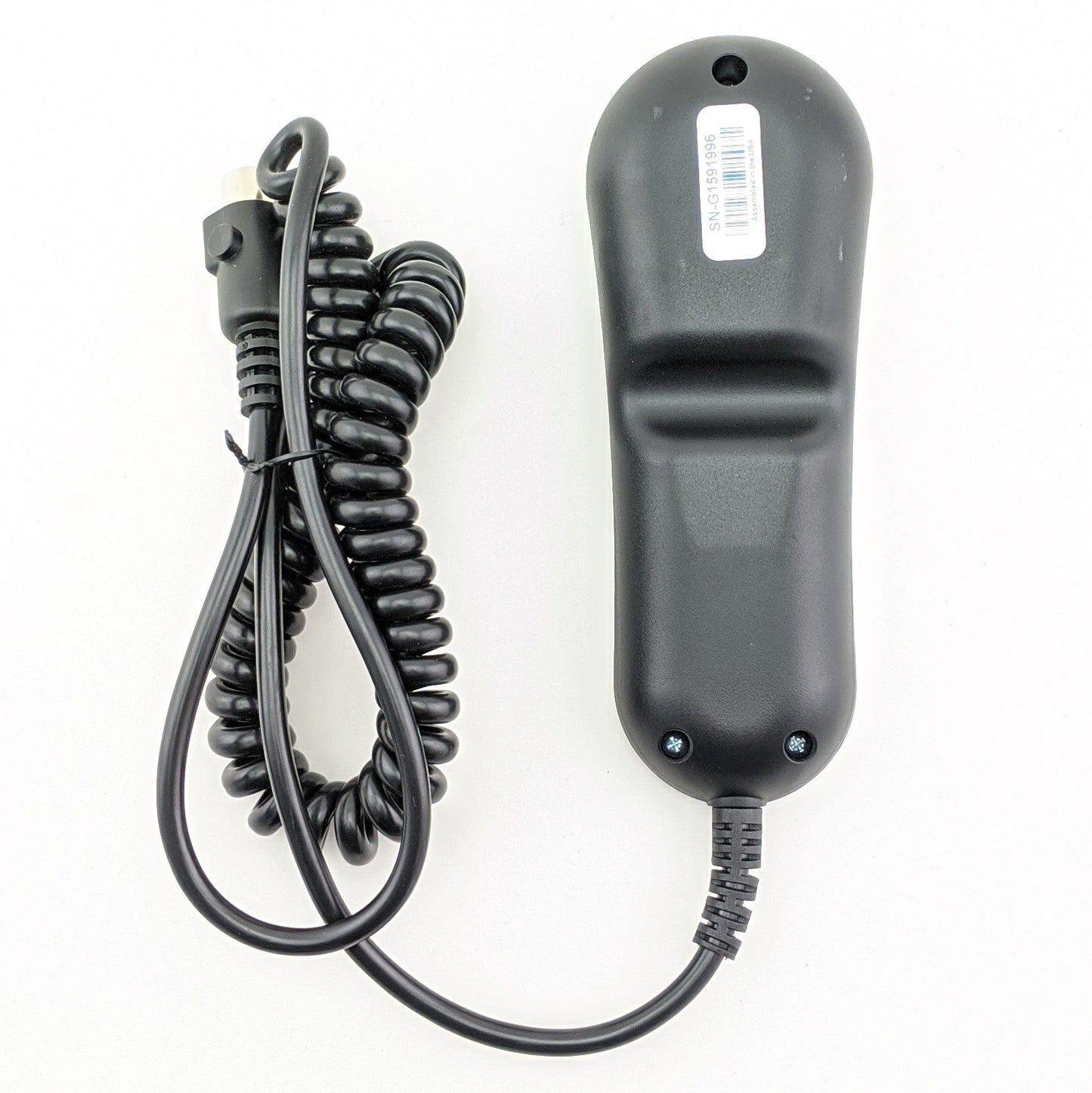
OEM Golden Technologies 2-Zone AutoDrive 3.0 Hand Control (Part Number: ZKAD-6). This remote has a 5-Pin Straight ⚫ Black Connector & the Buttons light up 🔵 Blue. It operates the 2-Zone Positioning system on Golden Maxi Comfort and Ultra Comfort Stellar lift chairs, but will work on some other chairs like the Journey Perfect Sleep Chair PR510 and the Healthy Back Ascent PR127. The ZKAD-6 replaces the older ZKAD-2, ZKAD-3, ZKAD-4, and ZKAD-5 hand controls.
The ZKAD-6 Does Not replace the ZKAD-1. The ZKAD-1 is actually a completely different remote.
Note: If your lift chair is a Heavy Duty model with a 500 lb. weight capacity or higher, you may need Part Number: ZK3700-HC. Always double check the pictures before ordering.
Specifications:
- Manufacturer:
- Golden Technologies
- Current Part Number:
- ZKAD-6
- Replaces Part Numbers:
- ZKAD-2, ZKAD-3, ZKAD-4, ZKAD-5
- Connector Type:
- 5-Pin Straight ⚫ Black Connector
Compatible Golden MaxiComfort Models
- MaxiComfort PR505 Comforter
- MaxiComfort PR505JP Comforter
- MaxiComfort PR505L Comforter
- MaxiComfort PR505M Comforter
- MaxiComfort PR505S Comforter
- MaxiComfort PR-505TAL Comforter
- MaxiComfort PR508-MED Cirrus
- MaxiComfort PR508M Cirrus
- MaxiComfort PR510-MLA Cloud
- MaxiComfort PR510-SME Cloud
- MaxiComfort PR535-L MaxiComforter
- MaxiComfort PR535-LAR MaxiComforter
- MaxiComfort PR535-M MaxiComforter
- MaxiComfort PR535-MED MaxiComforter
- MaxiComfort PR535-PSA MaxiComforter
- MaxiComfort PR535-T MaxiComforter
- MaxiComfort PR535-TAL MaxiComforter
- MaxiComfort PR630 DayDreamer
- MaxiComfort PR712 Pub Chair
- MaxiComfort PR713 Pub Chair
- MaxiComfort PR735 EZ Sleeper
- MaxiComfort PR756L Relaxer
- MaxiComfort PR756MC Relaxer
- MaxiComfort PR766 Relaxer
- MaxiComfort PR766-MED Relaxer
Compatible UltraComfort Stellar Models
- Stellar Sol UC520-M
- Stellar Sol UC520-MED
- Stellar UC550-JPT
- Stellar UC550-L
- Stellar UC550-LRG
- Stellar UC550-M
- Stellar UC550-MED
- Stellar Vega UC556-M
- Stellar Vega UC556-MLA
- Stellar Vega UC556-SME
- Stellar Polaris UC559-LRG
- Stellar Polaris UC559-MED
- Stellar Polaris UC559-SMA
- Stellar Estrella UC682-MED-DSB
- Stellar UC792
- Stellar UC792-MED
- Stellar UC794-M
- Stellar UC794-MED
- Stellar Evren UC798-MLA
Other Compatible Power Lift Chairs
- Healthy Back Ascent PR127
- Journey Perfect Sleep Chair PR510 (The 2-zone Version)




- 5 stars: 2 (100%)
- 4 stars: 0 (0%)
- 3 stars: 0 (0%)
- 2 stars: 0 (0%)
- 1 star: 0 (0%)
It works now i need massage power plug in because I broke one side of electrical plug in while I was hooking up hand control
Thanks for the fast delivery. It is working fine.
Thanks again
Lift Chair Remote Compatibility & Troubleshooting
How do I know which lift chair remote to buy?
1. Search by Part Number: If you have the OEM part number or the model number located on the back of your current remote, type it into our search box. Manufacturers frequently update part numbers, but our search will usually pull up the newest compatible replacement.
2. Match the Specs: If you don't have a part number, use the filters on the left side of this page to match three critical details:
- Brand: (e.g., Pride Mobility or Golden Technologies)
- Connector Type: Check the plug at the end of your cord (e.g., 5-pin or 25-pin).
- Button Layout: Count the buttons and toggles. NOTE: Look closely at the text. Some remotes share the exact same button layout, but the buttons function differently. Example being a "Memory" button in place of a "Heat" button.
3. Ask an Expert: If you feel you have narrowed it down but aren't 100% sure, or if you simply can't find your remote, please call us at 585-678-1670. We will do our best to help you find exactly what you need!
Are lift chair remotes universal?
No, lift chair remotes are not completely universal. While many standard 2-button, 5-pin remotes are interchangeable between basic Okin or Limoss motors, chairs with advanced features like power headrests, lumbar support, or heat and massage require brand-specific OEM remotes to function safely.
Where do I plug in the replacement hand control?
Most remotes plug directly into the motor under the chair or into a junction box (control box) attached to the frame. If your chair uses an extension cable, the process is even easier, you can simply unplug the old remote from the extension cord without having to reach to far underneath the chair.
Important: Always unplug the chair from the wall outlet before disconnecting or reconnecting a new remote.
How do I know if my remote is broken or if it is a Motor or Control (Junction) Box
Before ordering a replacement remote, rule out power issues. First, ensure the chair is plugged into a working wall outlet. Second, check the power supply box (usually resting on the floor behind the chair), if it has a green light, it is receiving power. If the green light is on but the chair won't move, then try this...
Troubleshooting Your Chair: Is your recliner losing power randomly? If you find yourself having to jiggle the cable near the base of the remote just to get it to work, replacing the hand control should solve your problem. On the other hand, if your remote has power but an isolated part of the chair is stuck (like just the legrest), you are likely dealing with a bad control box or motor instead. We highly recommend watching our Diagnostic Video before placing an order. Still unsure? Give our experts a call at 585-678-1670 and we’ll help you figure it out!
How do you reset a power recliner remote?
Most standard lift chair remotes are "plug-and-play" and do not have a reset button. However, if your chair has a memory function or battery backup, you can perform a soft reset by unplugging the chair from the wall, disconnecting the power brick for 60 seconds, and then plugging everything back in. Some advanced remotes (like certain La-Z-Boy models) have a tiny pinhole reset button under the battery cover.
Safety & Compliance
Guaranteed OEM Factory Part
Our remote hand controls are NOT aftermarket imitations. They are genuine Original Equipment Manufacturer (OEM) parts, guaranteeing exact pin-compatibility, correct voltage regulation, and the exact same button lifespan as your original remote.
Industry & Medical Compliance
FDA Class II Device Component: Our hand controls are exact OEM (Original Equipment Manufacturer) replacement parts designed specifically to safely operate the motorized lifting mechanisms of FDA Class II registered medical lift chairs (such as those by Pride Mobility and Golden Technologies).
Safety Certified: Designed to meet strict electrical safety standards to prevent short circuits and ensure safe operation for elderly or mobility-impaired users.
HSA / FSA & Tax Exemption: Because our hand controls are replacement parts for durable medical equipment (DME), they may be eligible for tax exemption or HSA/FSA reimbursement depending on your state and provider.
California Proposition 65 Warning: Electrical Components
⚠️ Warning: This product can expose you to chemicals including styrene, Bisphenol A (BPA), and phthalates, which are known to the State of California to cause cancer and birth defects or other reproductive harm. Wash hands after handling electrical cords or internal components. For more information, go to www.P65Warnings.ca.gov.
Choking Hazard: Small Parts
WARNING: CHOKING HAZARD — Small parts. Not for children under 3 years.