Golden Technologies
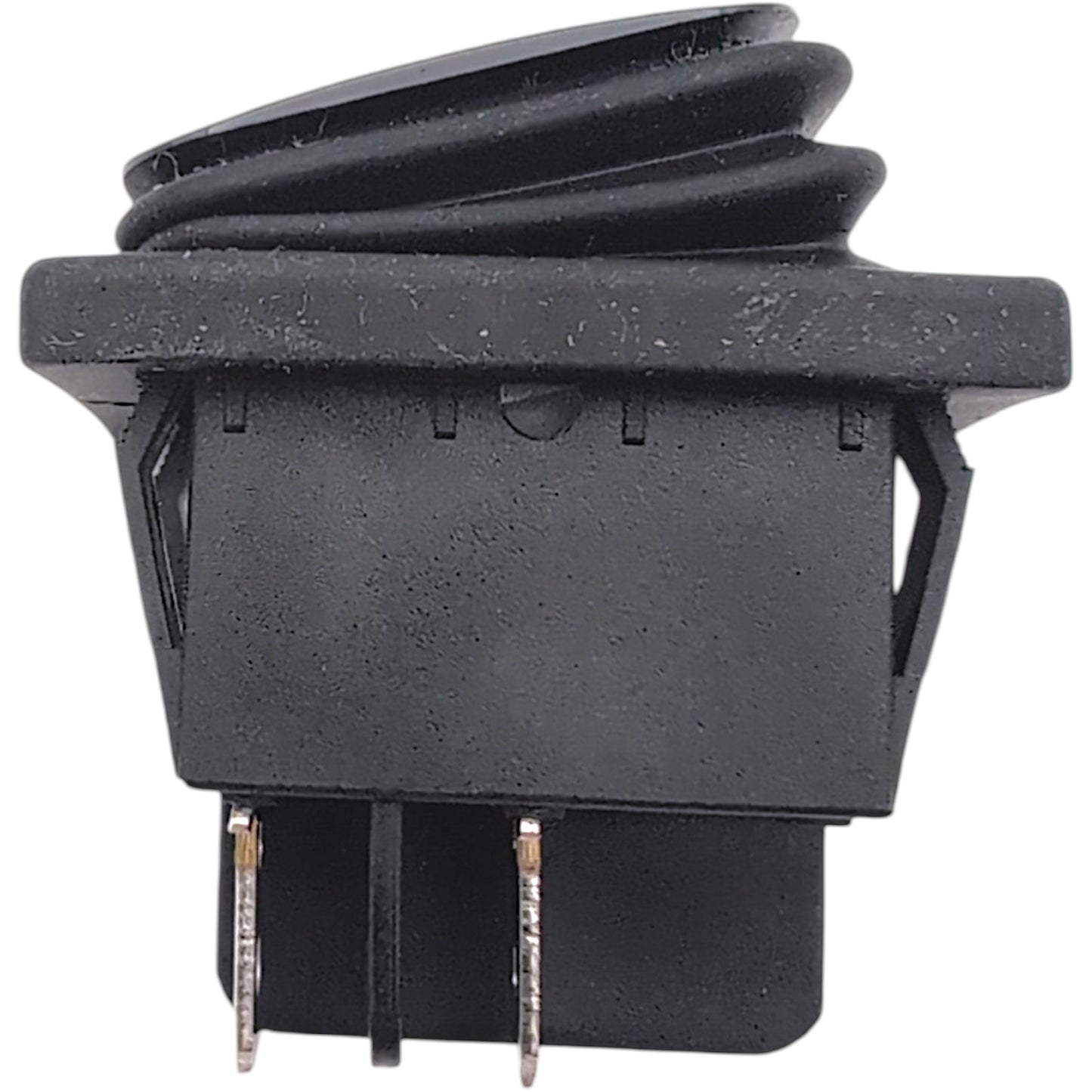
Golden Freewheel Brake Switch for Buzzaround CarryOn GB120 & HD GB220 (MBE-120A-BRKS)
In stock
Couldn't load pickup availability
- 30 Day Return Policy
- Fulfillment: Usually ships in 1-2 business days
- This Product Is Backed By A 90-day Limited Warranty Against Manufacturing Defects
Product Description
Genuine OEM replacement freewheel (neutral) brake switch (Part Number: MBE-120A-BRKS) manufactured by Golden Technologies for Buzzaround CarryOn series mobility scooters. This essential 2-position toggle switch allows you to safely engage or disengage the electronic parking brake, placing your scooter into or out of freewheel mode for manual pushing.
Specifications & Included Items:
- Brand:
- Golden Technologies
- Switch Manufacturer:
- Gesibo
- Part Number:
- MBE-120A-BRKS
- Component Type:
- Freewheel / Neutral Brake Switch
- Included Components:
- (x1) 2-Position Switch (1 1/2" x 1 1/16" x 1 1/4")
- (x1) 12 3/4" Harness (White 2-Pin Connector to 2 Quick Disconnect Connectors)
- (x1) 11 1/4" Harness (2-Pin Connector to 3-Pin Connector)
- (x1) 5" Harness (Blue 2-Pin Connector to 2-Pin Connector)
Operating Instructions: Freewheel Mode (Neutral)
Your CarryOn is equipped with a freewheel switch that can set your scooter in or out of freewheel mode. Please note: Pushing the scooter too quickly in freewheel will cause the motor to act as a generator causing the scooter to become difficult to push. Freewheel slowly.
- To disengage the park brake and put your scooter in freewheel mode: Press the (I) symbol on the freewheel switch.
- To engage the brake and take your scooter out of freewheel mode: Press the (O) symbol on the freewheel switch.
Mobility Scooter Compatibility
- Golden Technologies Buzzaround CarryOn:
- Model Number GB120
- Golden Technologies Buzzaround CarryOn HD:
- Model Number GB220
The review section found below is currently experiencing a technical glitch where reviews are hidden by default. As a temporary workaround, please first click the "Questions (0)" tab, then click back to the "Reviews (0)" tab to make them appear. We apologize for the inconvenience while this is getting fixed.
View full details
