Skip to product information
1 of 9

Mega Motion

Moto Motion CM210L-000-H Control Box for Mega Motion Lift Chairs

Moto Motion CM210L-000-H Control Box for Mega Motion Lift Chairs

Regular price $164.99 USD
Regular price Our Price $164.99 USD
Our Price Sold Out
Free Shipping On Most Items Over $40+ (Contiguous US Only) Shipping: Calculated at checkout Shipping Policy

Low stock

Quantity
  • Free 2-day shipping when you order before 2:00 PM EST (M-F)(Contiguous US Only)
  • Need it tomorrow? Select overnight shipping at checkout before 2:00 PM EST (M-F)(Contiguous 48 states).
  • 30 Day Return Policy
  • Fulfillment: Usually ships in 1-2 business days
  • This Product Is Backed By A 90-day Limited Warranty Against Manufacturing Defects

Product Description

Genuine OEM replacement Moto Motion Control Box (Model Number: CM210L-000-H)  for Mega Motion power lift chairs. Manages your chair's motor positioning, heat features, and hand control functions.

Specifications:

Brand:
Mega Motion
Manufacturer:
Moto Motion
Model Number:
CM210L-000-H
Moto Control Box Model ID:
CM210
Power Connector:
2-Pin Male Connector

5-Pin Connectors:
Coming from the front of the Control Box, there are five 5-Pin connectors with clamps for the Headrest (Yellow), Lumbar (Gray), Back (Blue), Base (Green), and Tilt (Orange) motors.
On the back of the Control Box, there is one cable labeled as "Hand CTRL&Air". It features a single 5-Pin Female Black connector used for the Hand Control.

Heat Connectors:
Three (3) Square, White, 2-Pin Connectors
Charge Connector:
DC Male Barrel Type Connector (typically used for a wireless charger)
Other Connector:
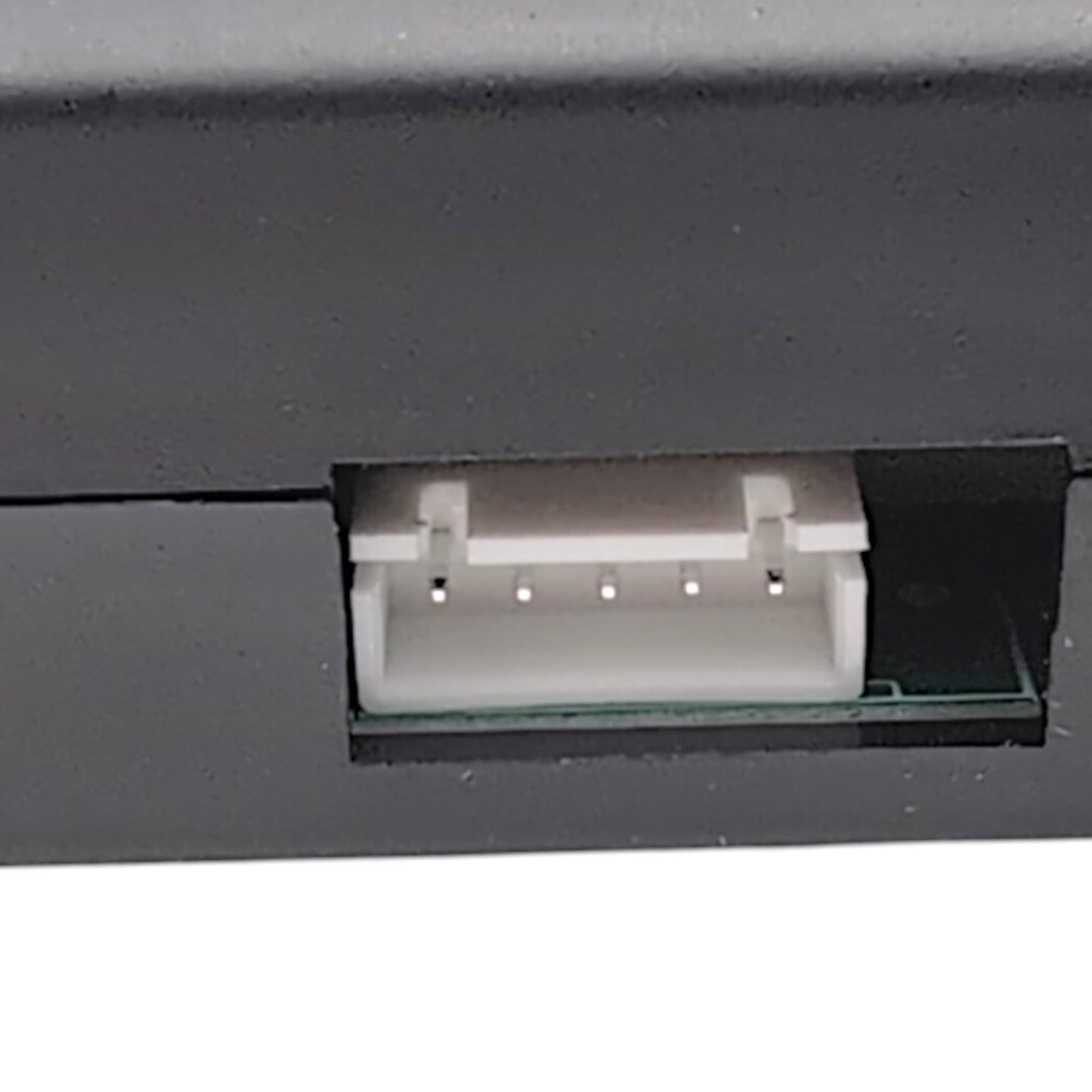
There is a square, white 5-Pin port located on the back of the control box.

Additional Specifications

Input:
29 Volts DC / 3.0 Amps
Dimensions:
3 3/4" Length  x  11 1/8" Width  x  1 1/4" Height
Product Weight:
2.18 Pounds
Color:
Black
Certifications:
UL Listed E481628
Class 2 / IP20
FCC ID: 2AQV6BDS531 A
IC ID: 24210-BDS531

The review section found below is currently experiencing a technical glitch where reviews are hidden by default. As a temporary workaround, please first click the "Questions (0)" tab, then click back to the "Reviews (0)" tab to make them appear. We apologize for the inconvenience while this is getting fixed.

View full details