

Golden Technologies
Golden Technologies - Lift Chair Remote - ZK756HCL
Golden Technologies - Lift Chair Remote - ZK756HCL
Couldn't load pickup availability
- Free 2-day shipping when you order before 2:00 PM EST (M-F)(Contiguous US Only)
- Need it tomorrow? Select overnight shipping at checkout before 2:00 PM EST (M-F)(Contiguous 48 states).
- 30 Day Return Policy
- Fulfillment: Usually ships in 1-2 business days
- This Product Is Backed By A 90-day Limited Warranty Against Manufacturing Defects
Product Description
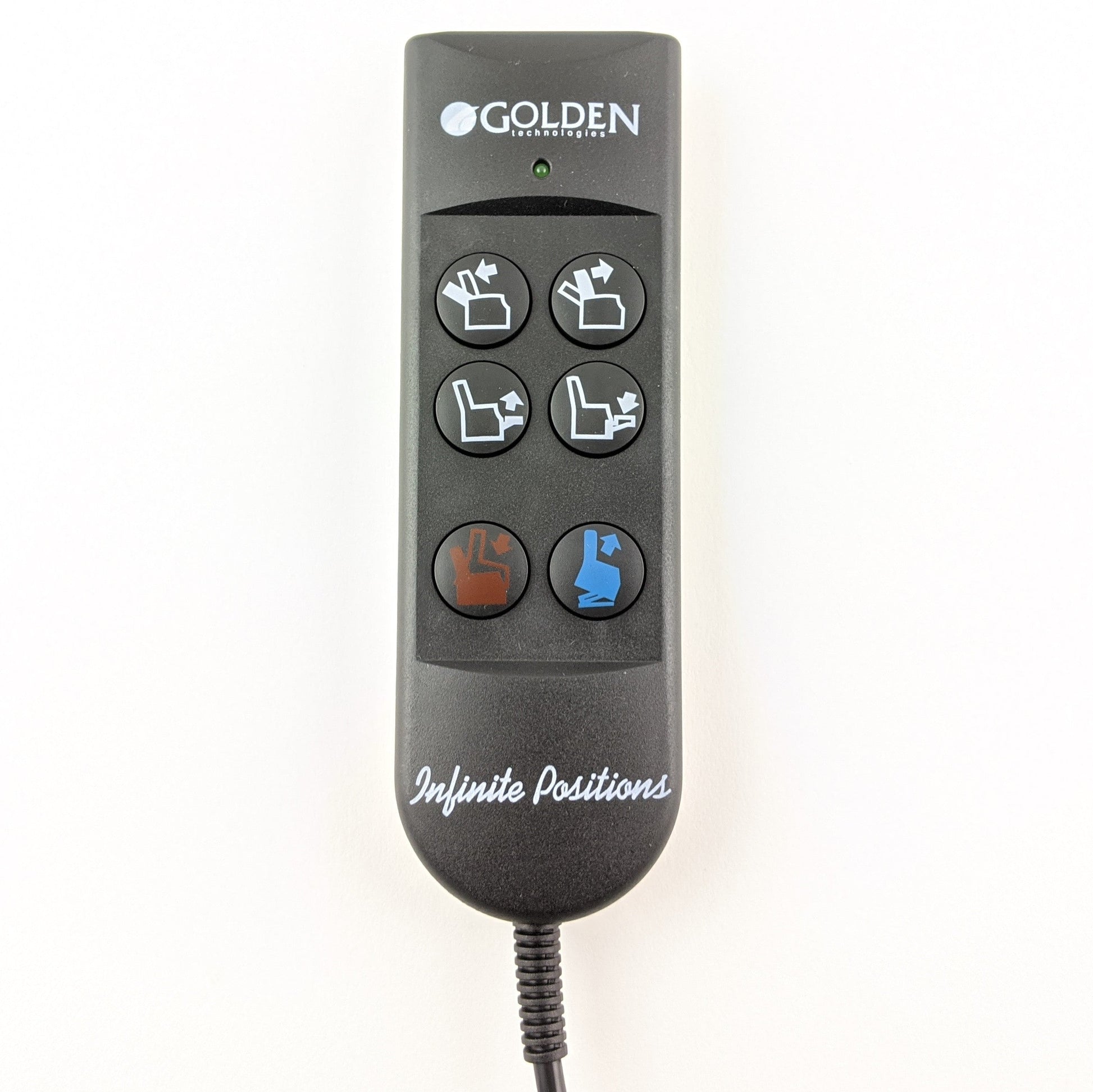
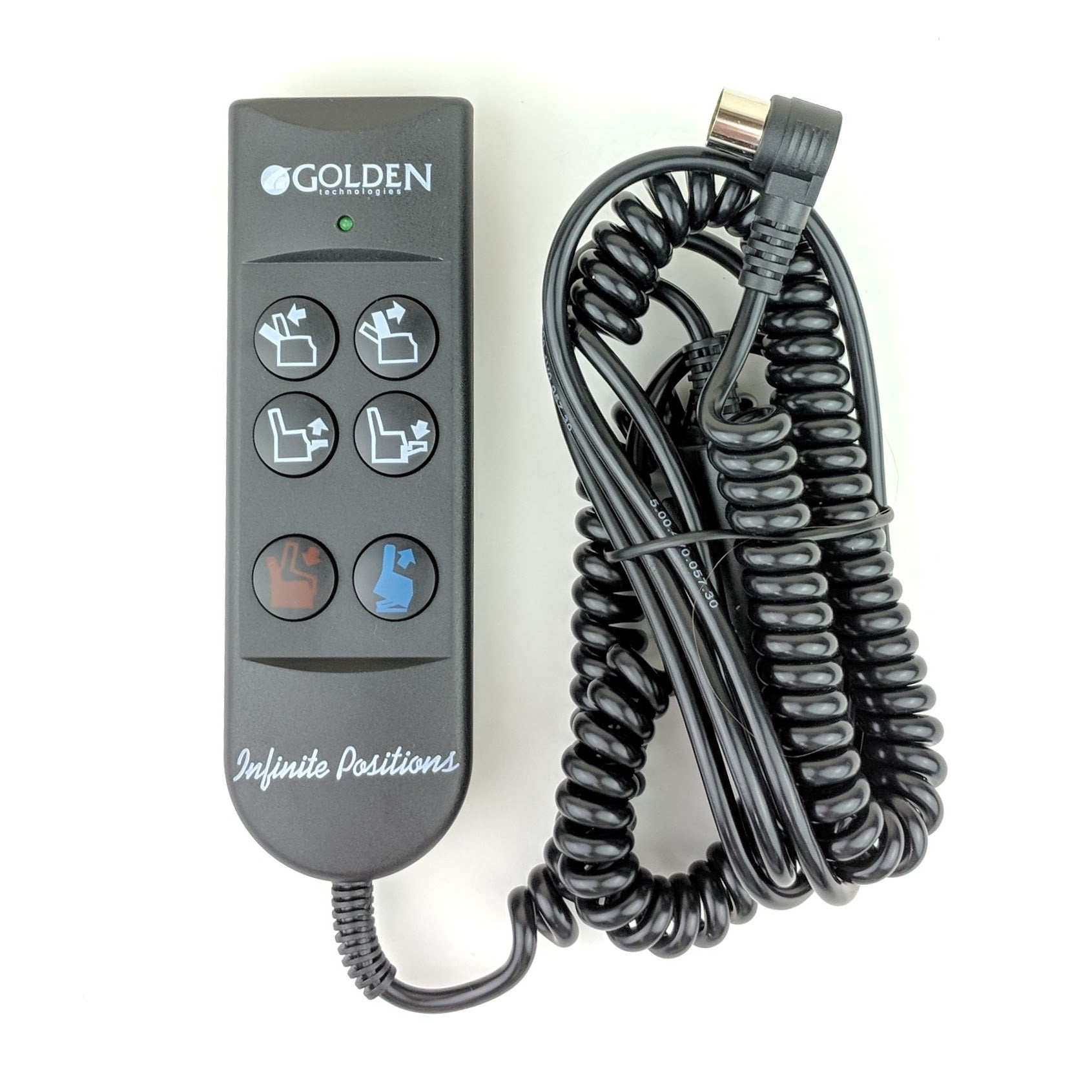
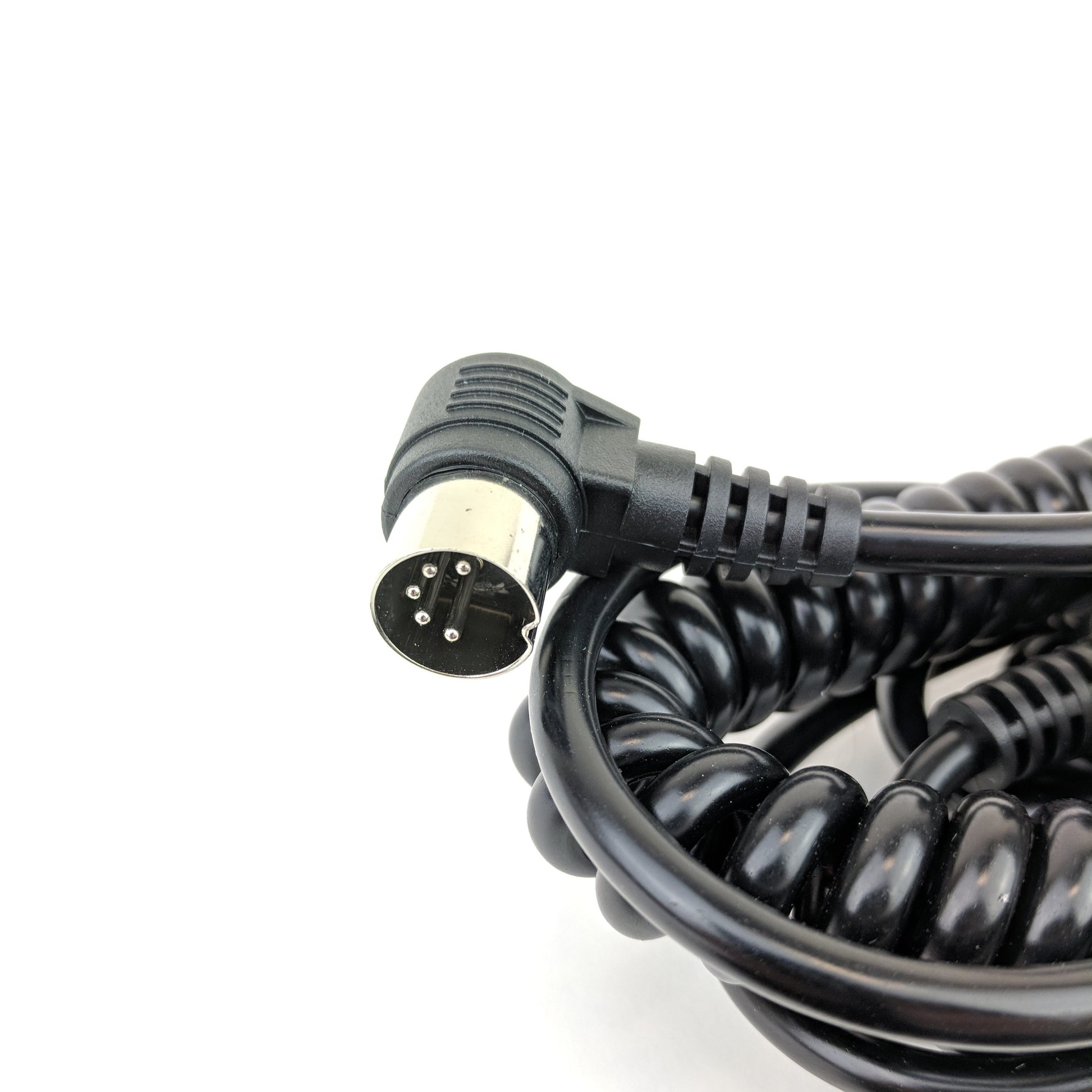
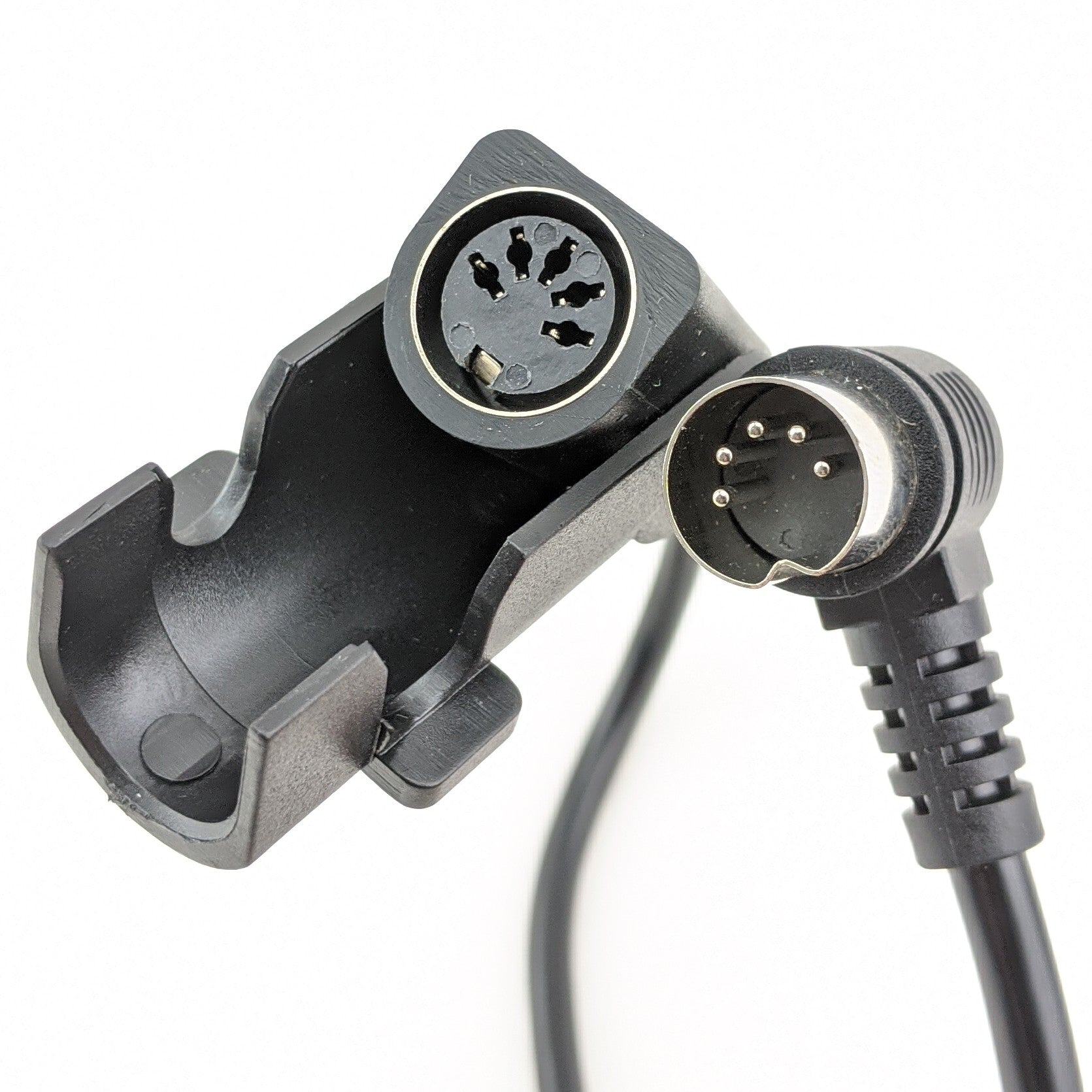
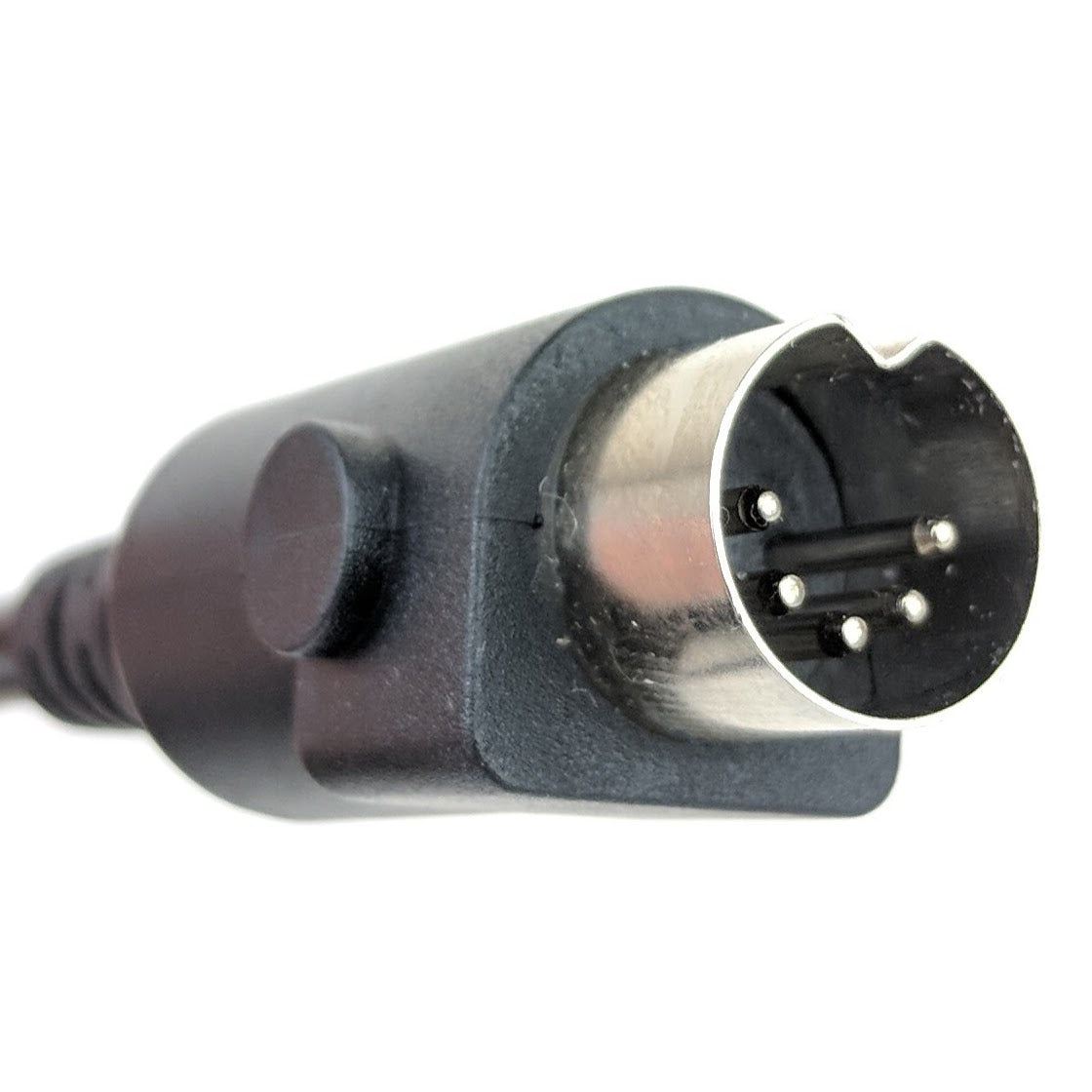
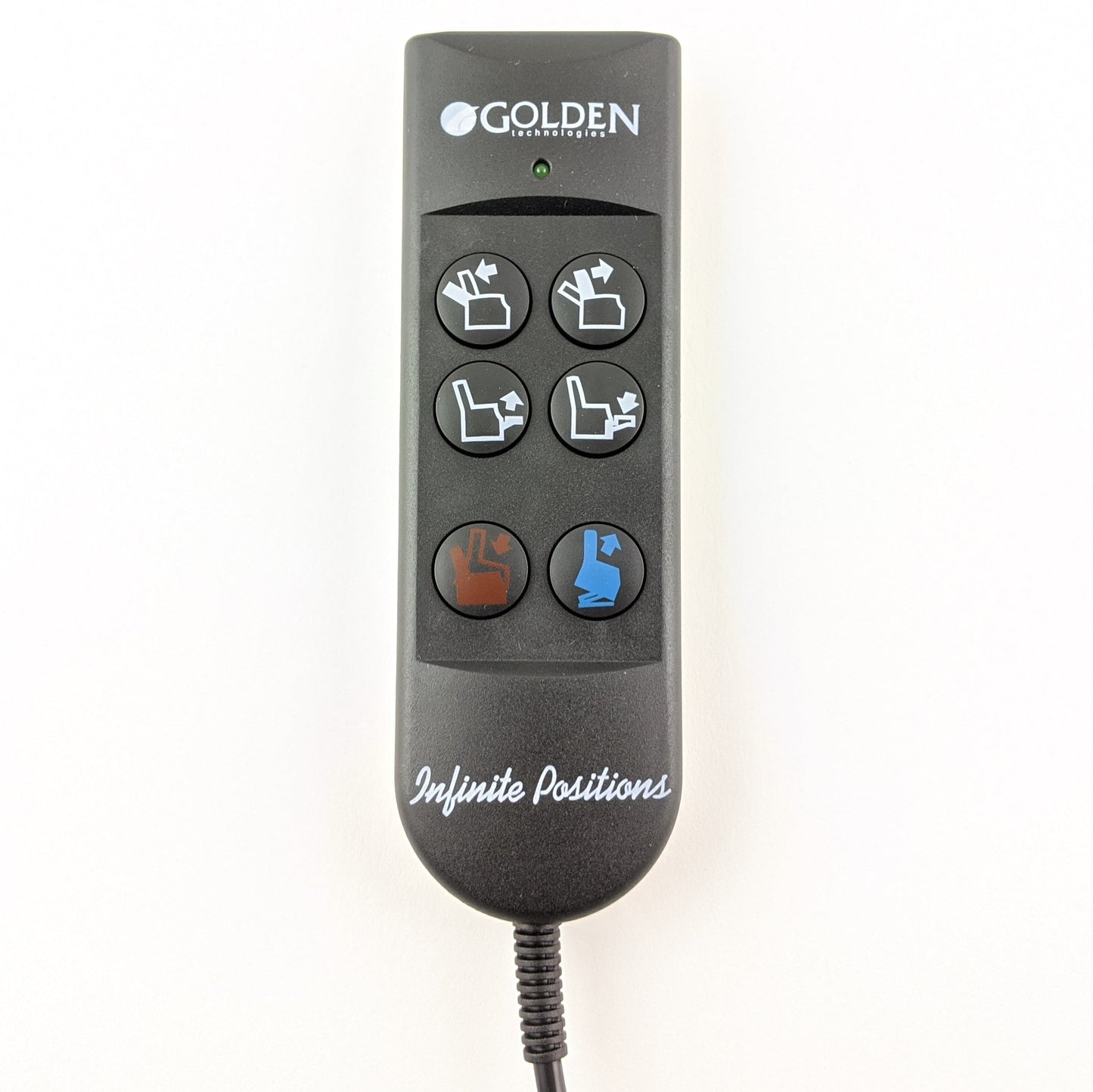
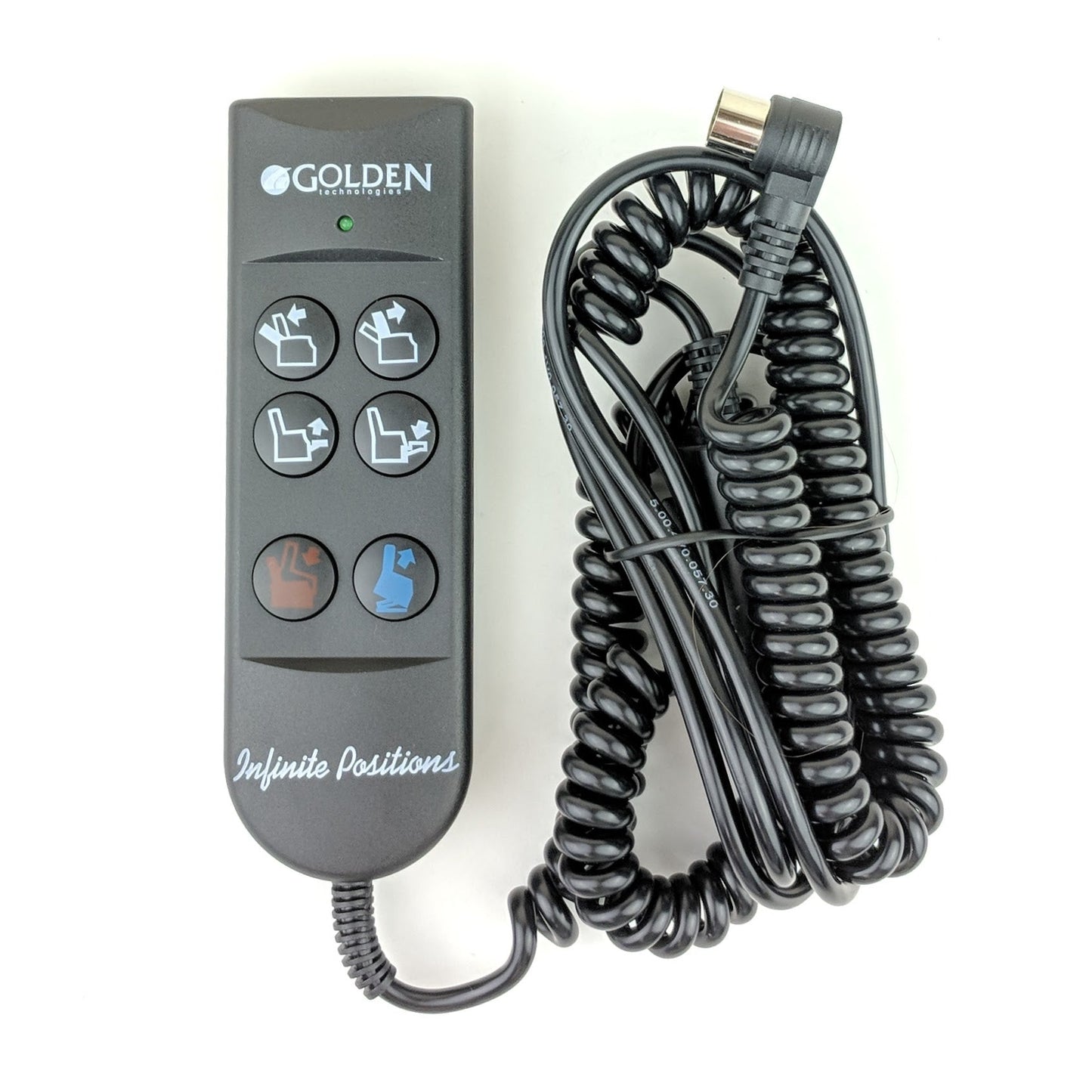
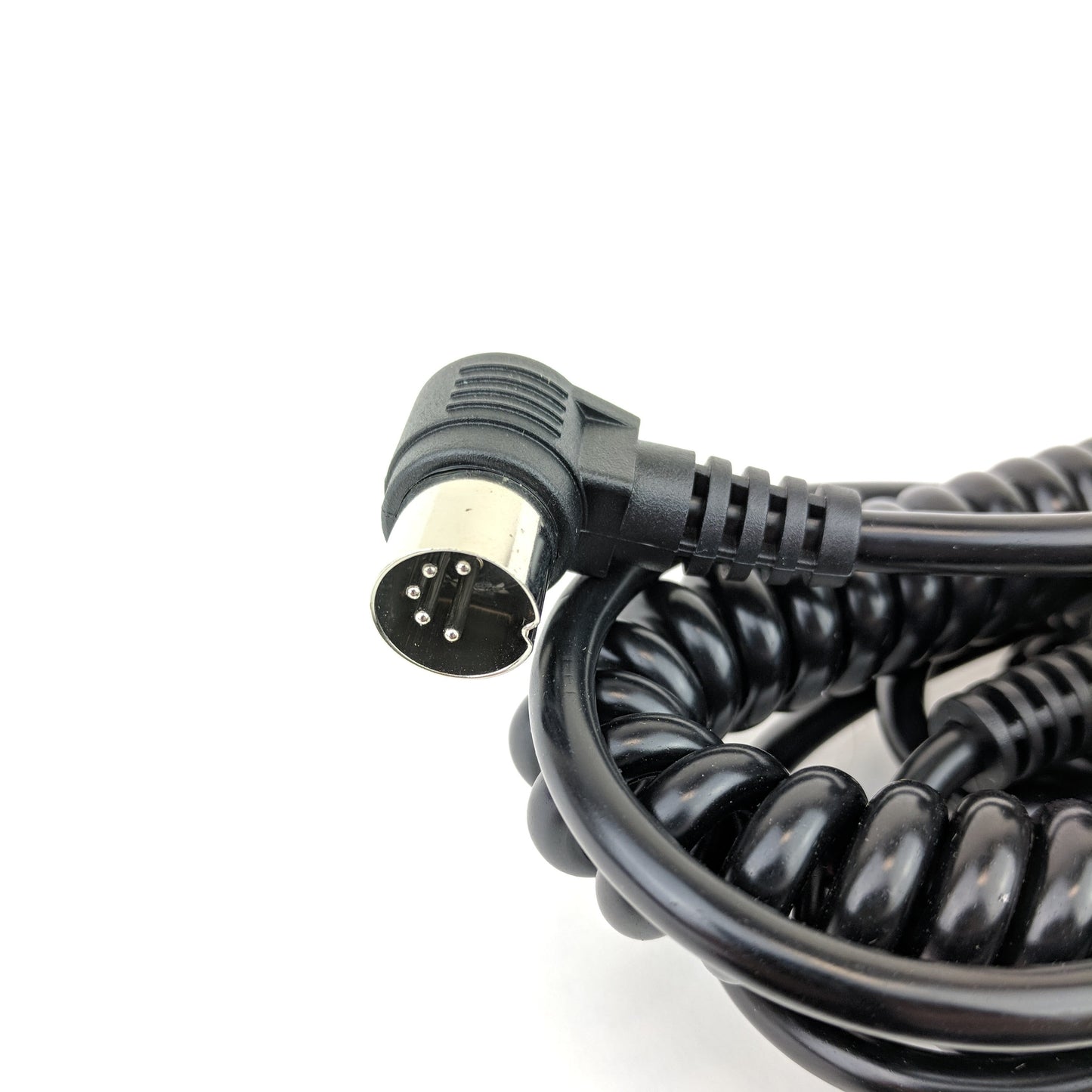
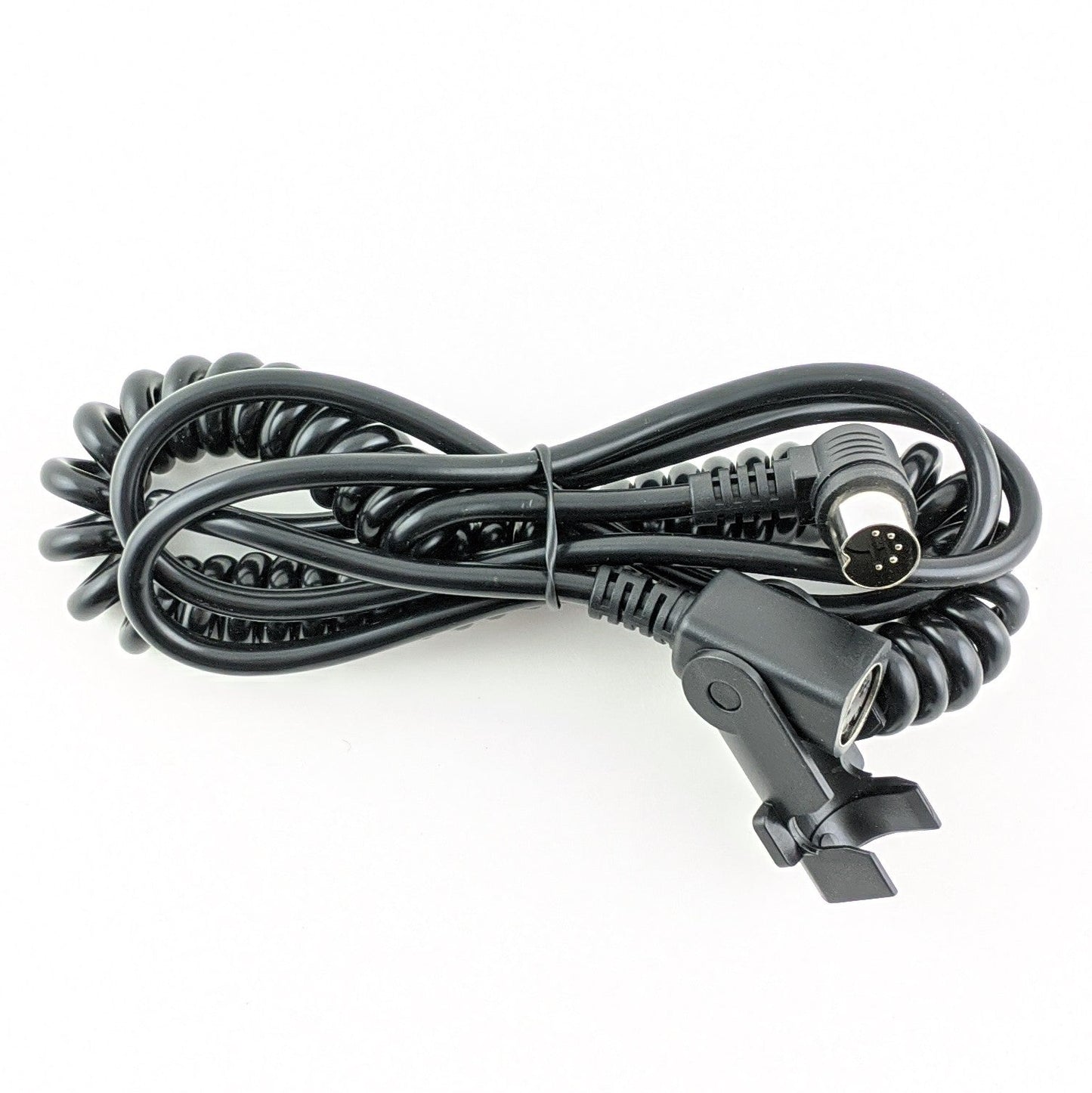
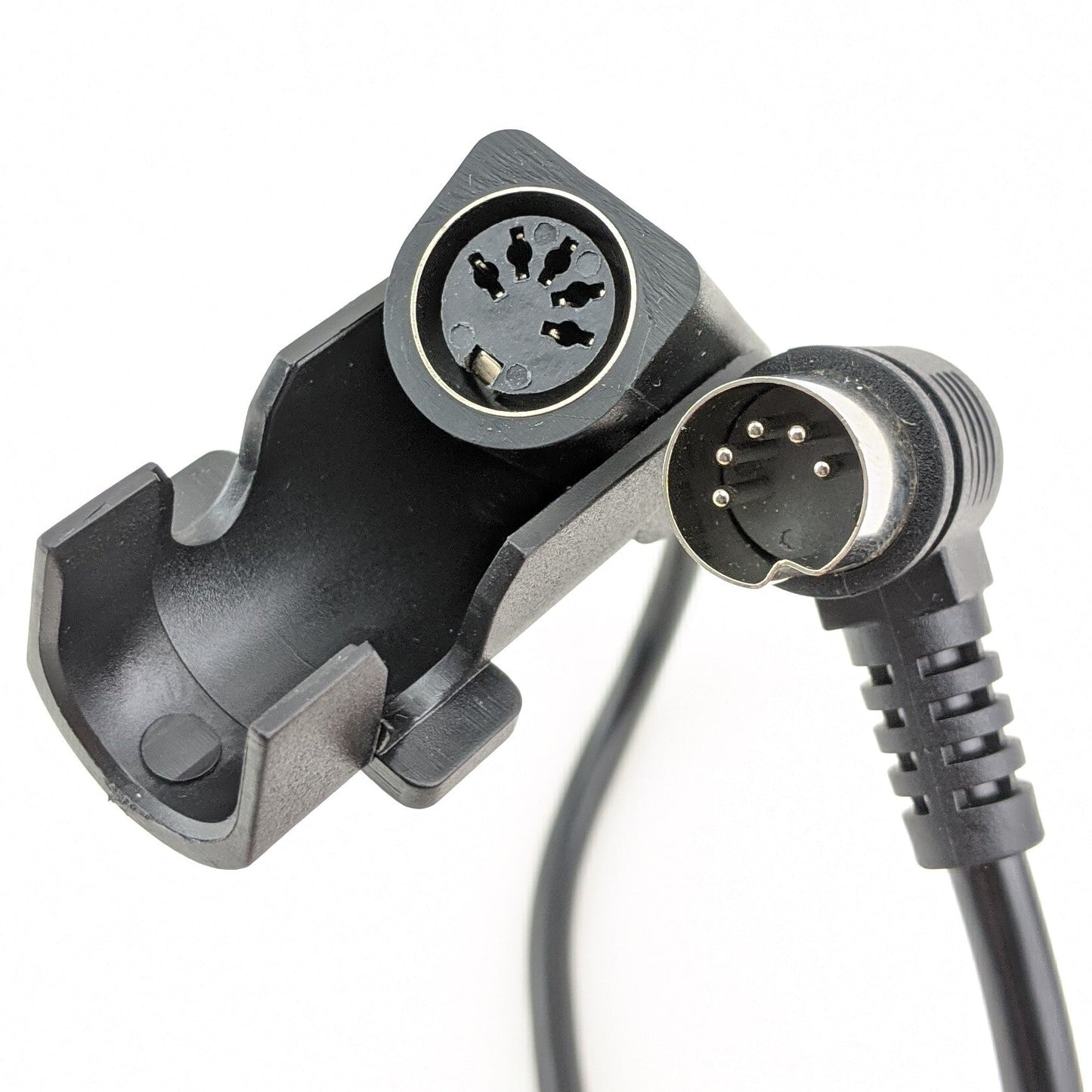
Genuine OEM replacement Infinite Position 6-button hand control (Part Number: ZK756HCL) for Golden Technologies MaxiComfort & Ultra Comfort power lift chairs. This remote features a standard 5-pin connector.
Note: If you have a Maxicomfort chair, Part Number: ZKAD-1 is an updated version to this remote with programmable positions.
Specifications & Dimensions:
- Brands:
- Golden Technologies & Ultra Comfort
- Part Number:
- ZK756HCL
- Can Also Replace Mulin Electric Part Numbers:
- MLSK89-A2 & MLSK89-A1
- Component Type:
- Hand Control / Remote
- Button Configuration:
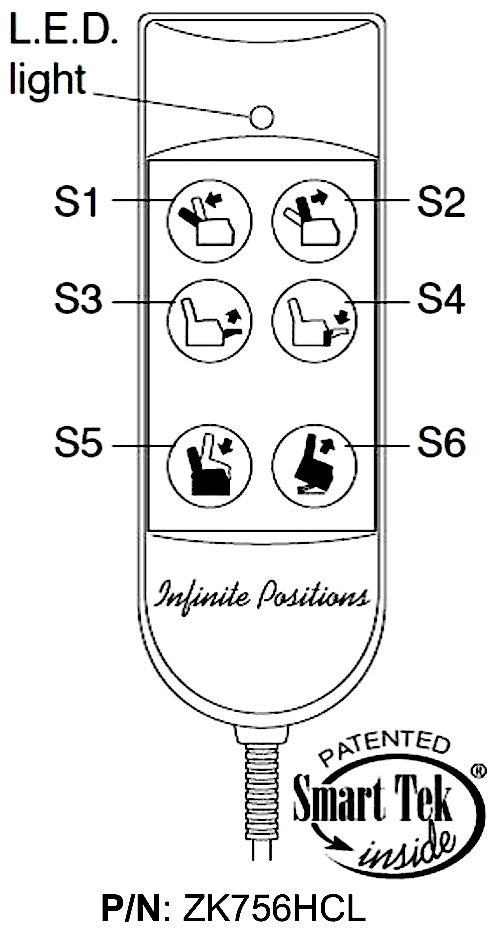
- 6 Buttons
- Connector Type:
- 5-Pin Connector
Lift Recliner Chair Compatibility
- Golden Technologies:
- Model Numbers: PR119, PR-502, PR502-W33, PR-505M26, PR531-M26, PR535-M26 (NOTE: This remote is not compatible with the following lift chairs: PR-117, PR-508M, or PR508-MED)
- Ultra Comfort:
- Model Numbers: UC550-S, UC550-M, UC550-L, UC550-M26, UC551-S, UC551-M, UC551-L, UC552, UC553, UC559-M26
ZK756HCL 6 Button Remote Hand Control Wand Operation Guide

1. Reclining the Backrest: Press and hold button (S1) until the chair back achieves your preferred angle, then let go of the button.
2. Raising the Backrest: Press and hold button (S2) to return the back of the chair to an upright seated position. Release the button when comfortable.
3. Elevating the Footrest: Hold down button (S3) to lift the footrest to your desired height, then release.
4. Lowering the Footrest and Lifting: Press button (S4) to retract the footrest. Continuing to hold this button will raise the entire chair to help you stand. Release when done.
5. Lowering to a Seated Position: From a lifted height, press and hold button (S5) to lower the chair back to the floor. Holding it further will extend the footrest. (Note: Button S4 can also lower the chair if it is currently raised).
6. Lifting from a Seated Position: With the footrest closed, press and hold button (S6) to elevate the chair, making it easier to stand up.
7. Lifting While Reclined: If the back is down and the footrest is closed, use button (S4) to raise the chair to a standing height.
8. Full Return to Standing from Recline: Press button (S6) to fold the footrest in. To bring the backrest up, press (S2). To automatically close the chair and lift it completely, just hold down the button until the chair halts at its highest point; all three motors will power down automatically once fully lifted and closed.
9. Safe Entry: Stand beside the chair and use (S4 or S6) to lift it to a comfortable standing height. Do not drop heavily into the seat, as this can cause injury or damage to the mechanism. Once you are leaning against the seat, press (S3 or S5) to gently lower yourself to the floor. From there, use buttons S1 through S6 to adjust to your liking.
10. Safe Exit: Hold (S4 or S6) to lift the chair until you can easily stand and walk away. Afterward, return the chair to its standard flat-on-the-floor seated position to prevent children, pets, or objects from getting trapped underneath.
Important Note: The built-in motors are designed to automatically shut off once they hit their maximum extension or retraction limits, even if you are still holding the button. If you adjust past your target spot, simply use the opposing button to correct it. You can adjust positions as often as needed.
Lift Chair Remote Compatibility & Troubleshooting
How do I know which lift chair remote to buy?
1. Search by Part Number: If you have the OEM part number or the model number located on the back of your current remote, type it into our search box. Manufacturers frequently update part numbers, but our search will usually pull up the newest compatible replacement.
2. Match the Specs: If you don't have a part number, use the filters on the left side of this page to match three critical details:
- Brand: (e.g., Pride Mobility or Golden Technologies)
- Connector Type: Check the plug at the end of your cord (e.g., 5-pin or 25-pin).
- Button Layout: Count the buttons and toggles. NOTE: Look closely at the text. Some remotes share the exact same button layout, but the buttons function differently. Example being a "Memory" button in place of a "Heat" button.
3. Ask an Expert: If you feel you have narrowed it down but aren't 100% sure, or if you simply can't find your remote, please call us at 585-678-1670. We will do our best to help you find exactly what you need!
Are lift chair remotes universal?
No, lift chair remotes are not completely universal. While many standard 2-button, 5-pin remotes are interchangeable between basic Okin or Limoss motors, chairs with advanced features like power headrests, lumbar support, or heat and massage require brand-specific OEM remotes to function safely.
Where do I plug in the replacement hand control?
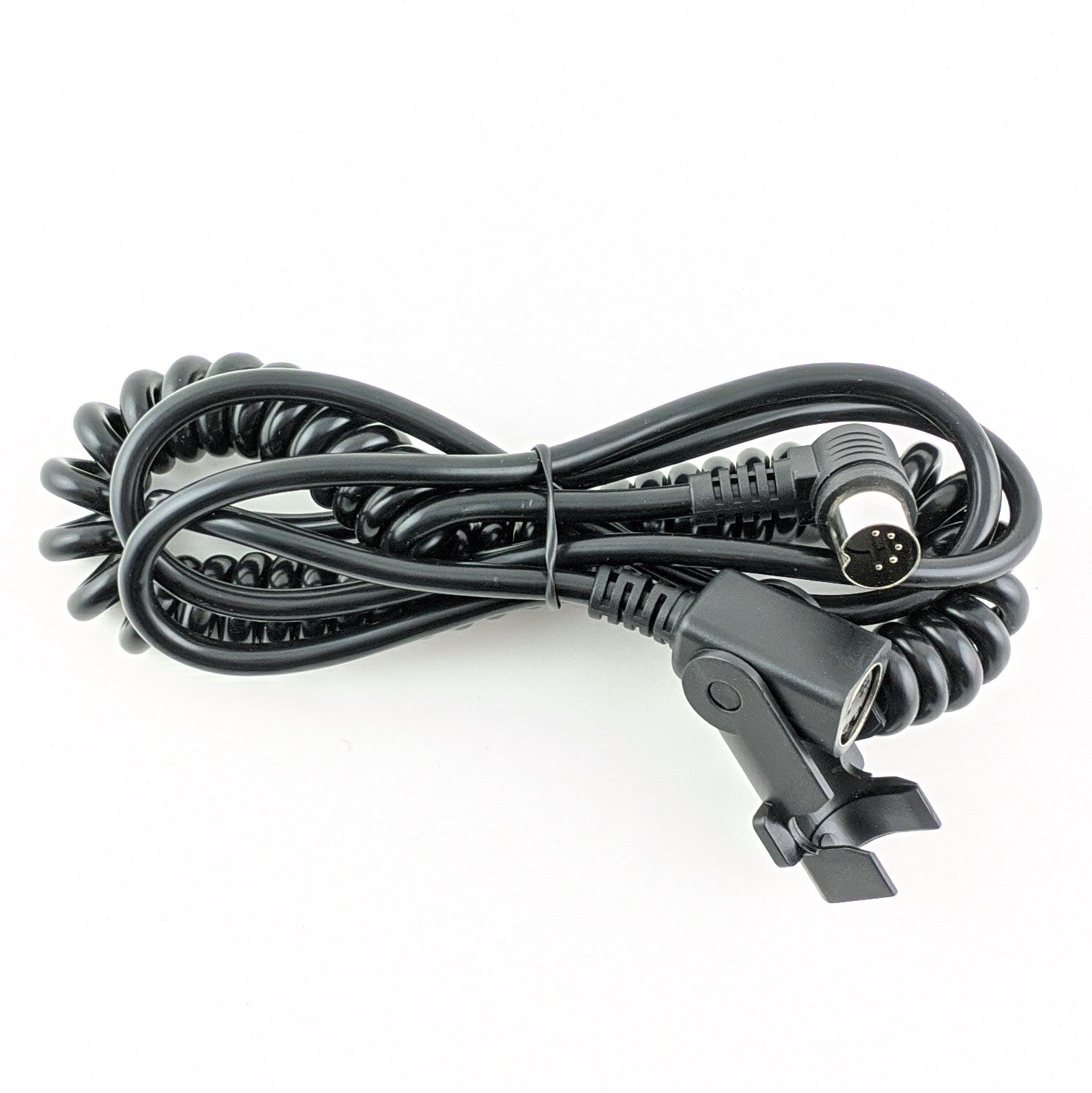
Most remotes plug directly into the motor under the chair or into a junction box (control box) attached to the frame. If your chair uses an extension cable, the process is even easier, you can simply unplug the old remote from the extension cord without having to reach to far underneath the chair.
Important: Always unplug the chair from the wall outlet before disconnecting or reconnecting a new remote.
How do I know if my remote is broken or if it is a Motor or Control (Junction) Box
Before ordering a replacement remote, rule out power issues. First, ensure the chair is plugged into a working wall outlet. Second, check the power supply box (usually resting on the floor behind the chair), if it has a green light, it is receiving power. If the green light is on but the chair won't move, then try this...
Troubleshooting Your Chair: Is your recliner losing power randomly? If you find yourself having to jiggle the cable near the base of the remote just to get it to work, replacing the hand control should solve your problem. On the other hand, if your remote has power but an isolated part of the chair is stuck (like just the legrest), you are likely dealing with a bad control box or motor instead. We highly recommend watching our Diagnostic Video before placing an order. Still unsure? Give our experts a call at 585-678-1670 and we’ll help you figure it out!
How do you reset a power recliner remote?
Most standard lift chair remotes are "plug-and-play" and do not have a reset button. However, if your chair has a memory function or battery backup, you can perform a soft reset by unplugging the chair from the wall, disconnecting the power brick for 60 seconds, and then plugging everything back in. Some advanced remotes (like certain La-Z-Boy models) have a tiny pinhole reset button under the battery cover.
Safety & Compliance
Guaranteed OEM Factory Part
Our remote hand controls are NOT aftermarket imitations. They are genuine Original Equipment Manufacturer (OEM) parts, guaranteeing exact pin-compatibility, correct voltage regulation, and the exact same button lifespan as your original remote.
Industry & Medical Compliance
FDA Class II Device Component: Our hand controls are exact OEM (Original Equipment Manufacturer) replacement parts designed specifically to safely operate the motorized lifting mechanisms of FDA Class II registered medical lift chairs (such as those by Pride Mobility and Golden Technologies).
Safety Certified: Designed to meet strict electrical safety standards to prevent short circuits and ensure safe operation for elderly or mobility-impaired users.
HSA / FSA & Tax Exemption: Because our hand controls are replacement parts for durable medical equipment (DME), they may be eligible for tax exemption or HSA/FSA reimbursement depending on your state and provider.