Moto Motion
Moto Motion MotoLift HSW311-B-ML Remote Replacement For Power Lift Chair Recliners
Moto Motion MotoLift HSW311-B-ML Remote Replacement For Power Lift Chair Recliners
Regular price
$89.45 USD
Regular price
$108.16 USD
Our Price
$89.45 USD
Free Shipping On Most Items Over $40+ (Contiguous US Only) Shipping: Calculated at checkout Shipping Policy
17 in stock
Quantity
Couldn't load pickup availability
- Free 2-day shipping when you order before 2:00 PM EST (M-F)(Contiguous US Only)
- Need it tomorrow? Select overnight shipping at checkout before 2:00 PM EST (M-F)(Contiguous 48 states).
- 30 Day Return Policy
- Fulfillment: In stock – ships same day when ordered by 2 PM ET (Mon–Fri, except holidays)
- This Product Is Backed By A 90-day Limited Warranty Against Manufacturing Defects
Product Description
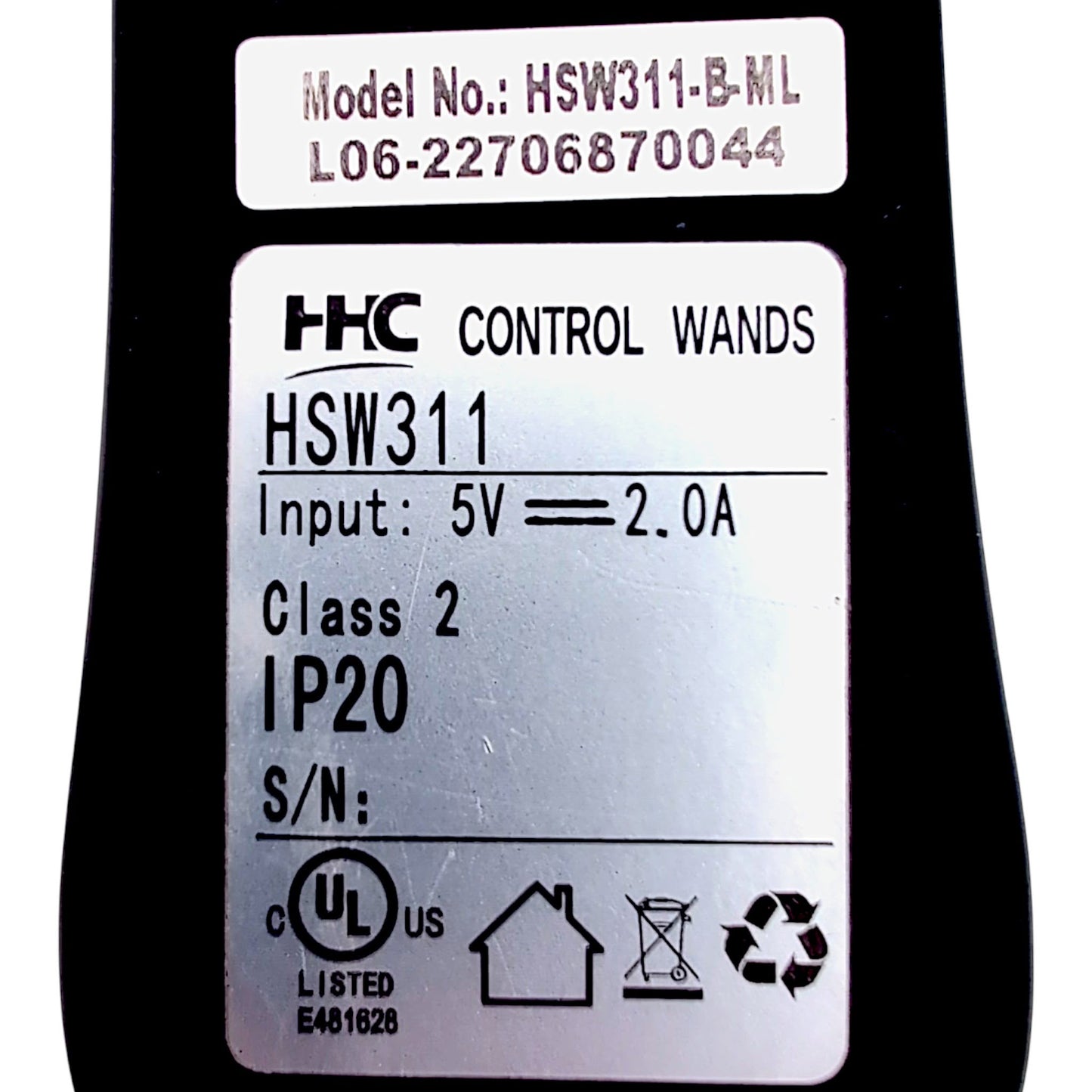
The current version / replacement for this Moto Motion MotoLift HSW311-B-ML control wand is Remote Hand Control Model Number: HSW311-B-KBA. That remote is the same as the original MotoLift HSW311-B-ML (5-Pin Connector, 11 Buttons With Heat & USB). The only difference is it doesn't have the MotoLift logo. Also, "HHC Control Wands" (Found on the back of the remote) has re-branded into "Moto Control Wands". It's still the same OEM that made the original remote.
- Brand:
- Moto Motion MotoLift
- Manufacturer:
- HHC Control Wands (Moto Control Wands)
- Replaces Part / Model Number:
- HSW311-B-ML
- Connector Type:
- 5-Pin Connector
- Charging Port:
- USB Port
- Number of Buttons:
- 11 Buttons
- Cord Length (Coiled):
- 34 Inches
- HHC / Moto Control Wands Base Model ID:
- HSW311
Additional Specifications
- Weight:
- 7 Ounces
- Length:
- 6 3/4 Inches
- Width:
- 2 Inches
- Height:
- 1 1/16 Inches
- Color:
- Black
- Input:
- 5 Volts DC, 2.0 Amps
- Other:
- UL Listed E481628, Class 2, IP20
Remote Hand Control Functions
Support Adjustments
- Headrest IN
- Press and hold to move headrest in.
- Headrest OUT
- Press and hold to move headrest out.
- Lumbar Support IN
- Press and hold to move lumbar support in.
- Lumbar Support OUT
- Press and hold to move lumbar support out.
Chair Positioning
- Seatback RECLINE
- Press and hold to recline the seatback.
- Seatback INCLINE
- Press and hold to raise the seatback.
- Leg Rest UP
- Press and hold to raise the leg rest.
- Leg Rest DOWN
- Press and hold to lower the leg rest.
- Toggle Up
- Press and hold to return all chair power options to the neutral position, while lifting you into an upright position.
- Toggle Down
- Press and hold to lower chair to seated or reclined position.
Massage & Heat
- Heat Control
- Press the heat button to activate the heat function. Press again to cycle intensity through LOW, HIGH and OFF.
Features & Options
- USB Port
- Use to connect to/charge USB enabled devices. WARNING! Only MFI-certified cables must be used when charging iPhone devices. Use of any non MFI-certified cable may result in damage to the device or charging system.